Tableau | Data visualisation
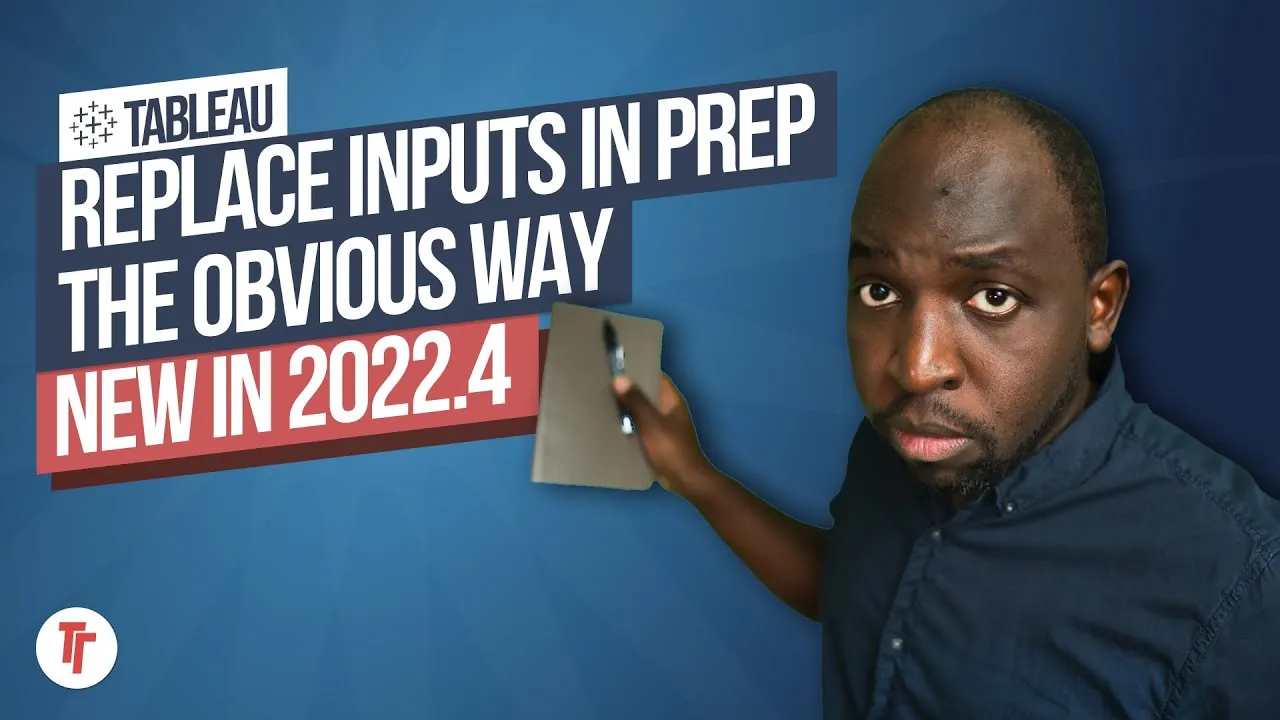
 Swap data source for a sheet in Tableau | New in Tableau 2022.4
In 22.4 you can finally swap a data source for just one sheet instead of the whole workbook.
- In Tableau 2022.4 you can right-click a data source, choose Replace Data Source, and tick 'Replace current worksheet only' to swap data for just one sheet
- A tick mark next to a data source shows which one the active sheet is using
- Swapping data sources can break existing filters, so you may need to remove fields that no longer exist in the new source
- This is handy for troubleshooting, testing a second version of the data, or comparing two sheets side by side without affecting the rest of the workbook
Tableau 2022.4 lets you swap the data source for a single sheet instead of replacing it across the whole workbook, so you can fix or test one view without touching the rest.
Tim has a workbook with two sheets sharing a data source, one of which has a bad export with an error in a field. He wants to swap in a corrected version of the data for just that sheet, leaving the other sheet untouched.
- Spot which data source a sheet is using 1:01
A small tick mark next to a data source in the pane shows which one the active sheet is currently using — check this before swapping so you know what you're changing.
- Right-click the data source and choose Replace Data Source 1:21
This opens the option to swap it out, and is the entry point for the whole technique.
- Tick 'replace current worksheet only' 1:42
This is the key new option: instead of replacing the source workbook-wide, it applies only to the sheet you're currently viewing, leaving other sheets on the original source.
- Expect existing filters to break 2:02
When the new data differs from the old, filters built against the previous source can stop working; you may need to remove fields that no longer exist in the new source to get the sheet working again.
- Confirm the other sheet is unaffected 2:21
Switching back to the first sheet shows it's still using the original data source, confirming the swap was scoped to just the one sheet.
- Swapping a data source can break filters that reference fields not present in the new source — you'll likely need to remove or rebuild those filters.
- You end up with two data sources in the same workbook by design, one per sheet, rather than one shared source.
Reach for this when you want to troubleshoot a bad data pull, test a second version of your data, or compare two sheets side by side, without risking the rest of the workbook.
How this Rollup was made provenance & method
A Rollup is drafted by AI from the video's transcript, then reviewed and edited by Tim. Everything used to produce this one is listed below (the model, the exact prompt, and the source video), so the process is transparent and reproducible.
- Transcription
- On-device: NVIDIA Parakeet v3 for recent videos, OpenAI Whisper large-v3 for earlier ones. The transcript never leaves the machine or gets published.
- Drafting
- Claude Sonnet 5 in the cloud, from that transcript.
- Prompt
- The exact Rollup prompt (v2) , the full system prompt, unedited.
- Mode
- Walkthrough: a timestamped breakdown in video order, for a demo or how-to. Written before modes existed, when every Rollup was a walkthrough.
- Source video
- Watch on YouTube
- Drafted
- 5 July 2026 at 09:38
- Reviewed & edited
- 5 July 2026 at 09:41 · by Tim Ngwena
Model + prompt + video is everything you'd need to recreate a Rollup like this yourself. The one thing we don't share is the transcript.
Rights. The video and its transcript are the property of TN Media Ltd. Unauthorised use or download is prohibited. © TN Media Ltd.