Tableau | Data visualisation | Productivity
 Workbook optimiser will now clean up for you! New in Tableau 2022.4
The workbook optimizer can now clean up for you with a single click, and it's the most important change they've ever made to it.
- The 2022.4 workbook optimizer lets you take action on suggestions immediately rather than just reading them
- You can ignore a flagged check to move it into the passed set, but this is a workbook-dependent setting you must repeat per workbook
- Clicking the gear icon on a suggestion applies the fix automatically, for example hiding unused fields
- The optimizer only checks the specific items listed on Tableau's documentation page, so anything not listed is not being checked
Tableau 2022.4's workbook optimizer moved from just flagging issues to letting you act on its suggestions directly, so you can dismiss or fix problems without leaving the optimizer panel.
Tim opens a standard sample workbook and runs the built-in workbook optimizer from the Server menu to check its passed and flagged items.
- Run the optimizer 0:20
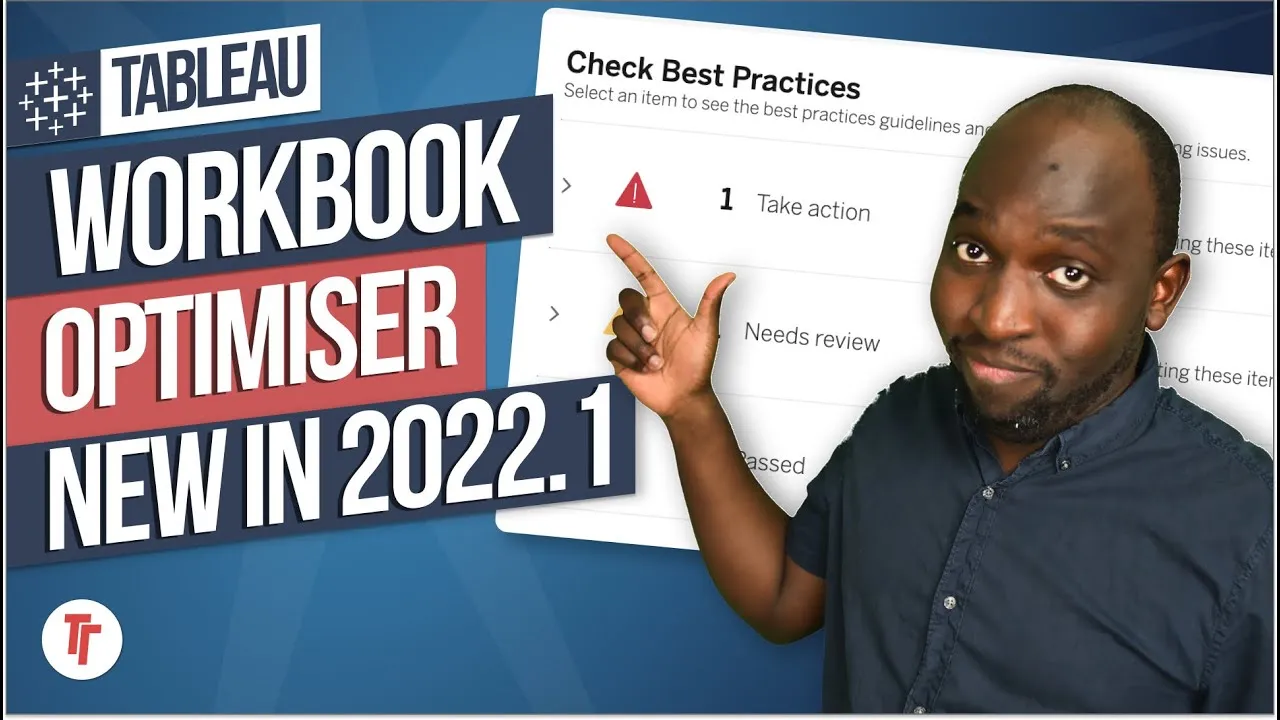
From the Server menu, run the optimizer to see a split of checks that pass and checks that need action, each with a severity level (e.g. a red alert for unused fields).
- Ignore a flagged check if you want to keep it as is 0:42
On a flagged item you can choose to ignore it, telling Tableau you're happy with that state; the check then moves into the passed set and won't flag again on that workbook.
- Ignoring is workbook-specific 1:00
This ignore setting is remembered per workbook only, so if you want the same check silenced elsewhere you have to repeat the action in each workbook individually.
- Apply the suggested fix with one click 1:20
Instead of ignoring, you can click the gear icon on a flagged item to have Tableau actually perform the fix for you — for example automatically hiding unused fields — after which it moves into the passed section.
- The optimizer only checks what's listed 2:00
The optimizer only evaluates the specific items documented on Tableau's own checklist page; if something isn't on that list (such as data model best practices), assume it isn't being checked at all, even if other best-practice guides mention it.
- Ignoring a check is workbook-dependent, so it doesn't carry over to other workbooks — you'll need to set it again each time.
- The optimizer's scope is limited to its published checklist; best practices from other sources that aren't on that list won't be flagged even if they apply.
Reach for this when you're tidying up a workbook before publishing or handing it off and want quick, one-click fixes for common issues like unused fields, rather than manually hunting them down.
How this Rollup was made provenance & method
A Rollup is drafted by AI from the video's transcript, then reviewed and edited by Tim. Everything used to produce this one is listed below (the model, the exact prompt, and the source video), so the process is transparent and reproducible.
- Transcription
- On-device: NVIDIA Parakeet v3 for recent videos, OpenAI Whisper large-v3 for earlier ones. The transcript never leaves the machine or gets published.
- Drafting
- Claude Sonnet 5 in the cloud, from that transcript.
- Prompt
- The exact Rollup prompt (v2) , the full system prompt, unedited.
- Mode
- Walkthrough: a timestamped breakdown in video order, for a demo or how-to. Written before modes existed, when every Rollup was a walkthrough.
- Source video
- Watch on YouTube
- Drafted
- 5 July 2026 at 09:38
- Reviewed & edited
- 5 July 2026 at 09:41 · by Tim Ngwena
Model + prompt + video is everything you'd need to recreate a Rollup like this yourself. The one thing we don't share is the transcript.
Rights. The video and its transcript are the property of TN Media Ltd. Unauthorised use or download is prohibited. © TN Media Ltd.