Tableau | Data visualisation | Analytics | AI & ML
 Tableau Pulse 2026.1 Updates in 26.1: Correlation Insights, Metric Alerts & Custom Goals
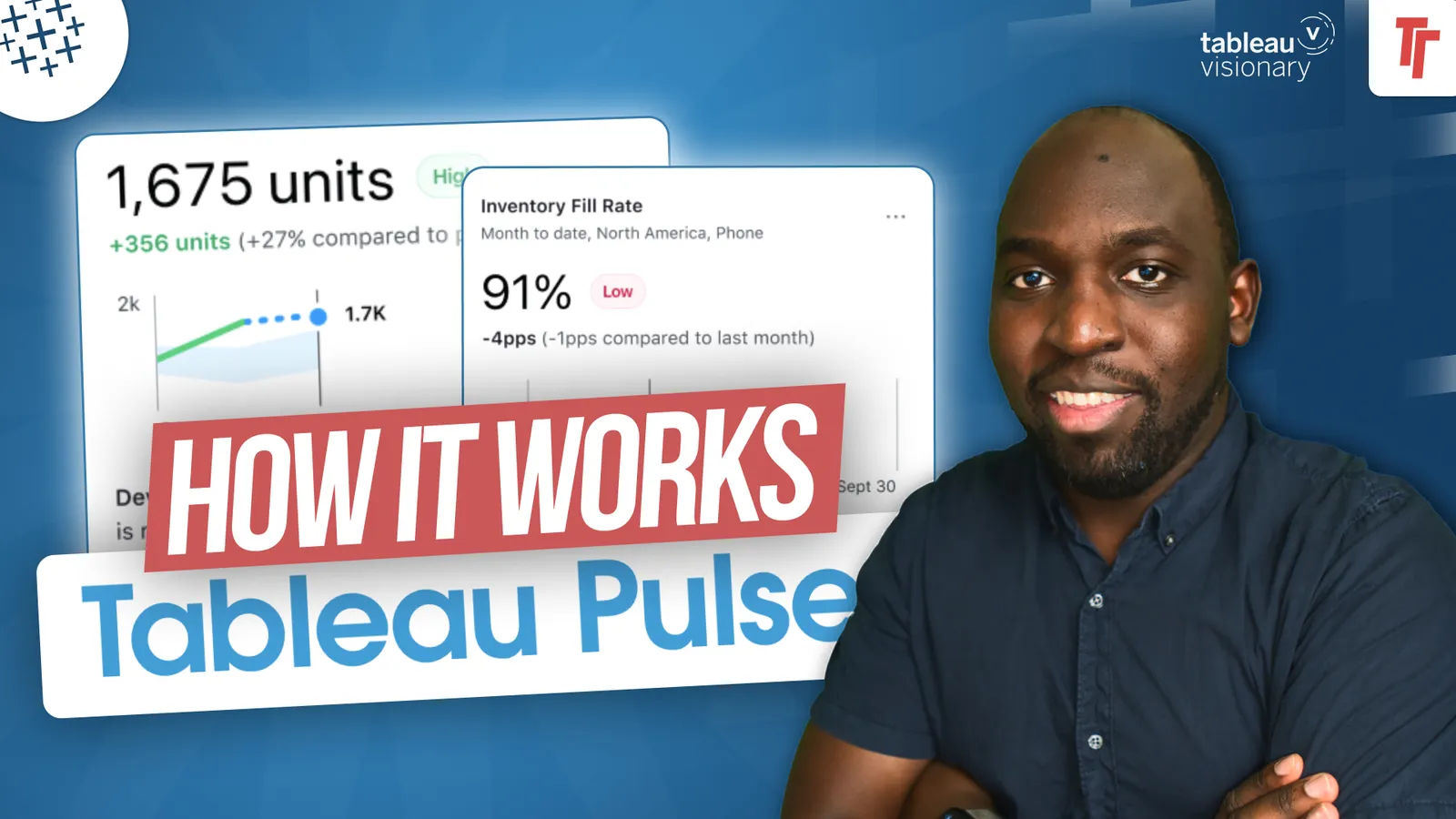
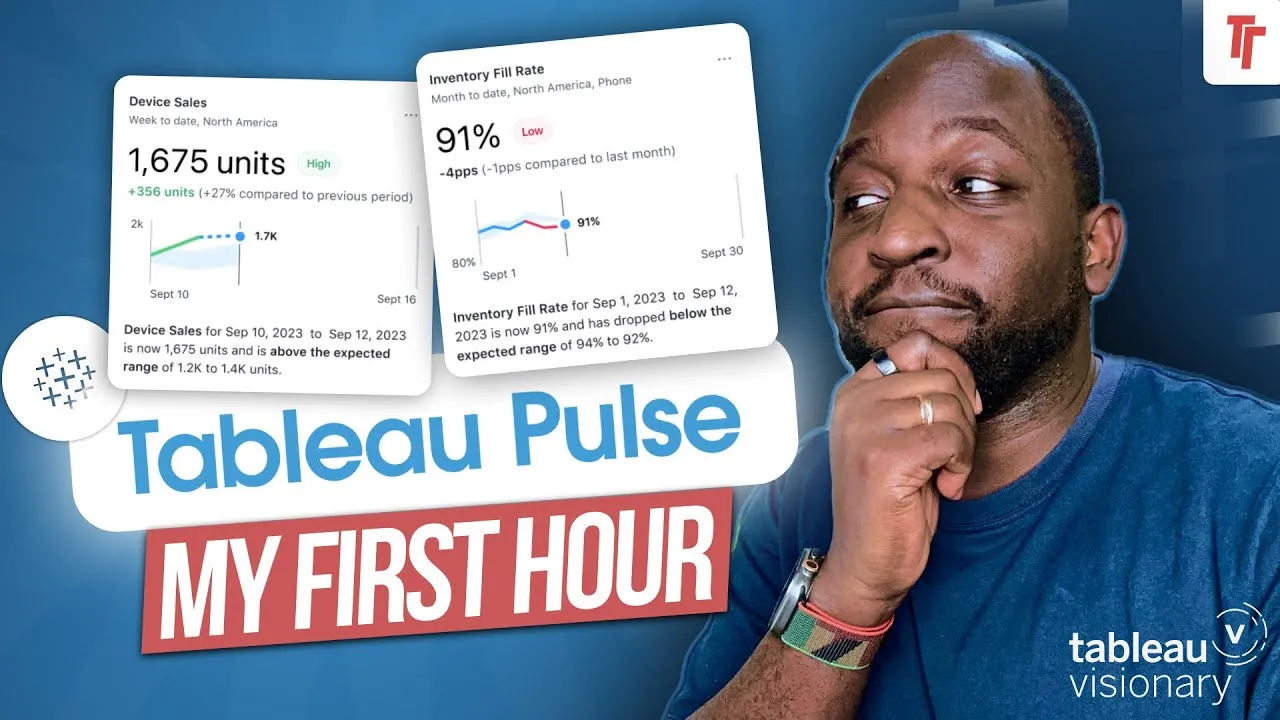
I regret being so sceptical of Tableau Pulse, because I now think it should cover 60 to 80% of what people actually need from Tableau.
- Enhanced Q&A correlation insights now surface meaningful relationships between metrics across different data sources, using analyst-specified relationships and an LLM grounded in detected insights, reporting strength, direction and supporting visualisations.
- You can now manage metric alerts by toggling notifications on or off per metric, rather than receiving every alert in one bundle, and this carries through to Tableau Mobile.
- Custom goal and threshold names let you label targets meaningfully (for example 'on track') when setting them up.
- Custom Q&A queries can now be run directly from the Tableau Pulse homepage via a modal window for talking to your data.
- Tableau Pulse and the 'metrics' feature in Tableau Next share a code base, with Pulse being the fresher, more current version.
Tim runs through the Tableau Pulse updates in the 26.1 release and explains why he's shifted from sceptic to advocate, arguing Pulse now covers most of what typical users actually need from Tableau.
- Enhanced Q&A correlation insights 0:29
Pulse can now surface meaningful correlations between metrics even when they sit in different data sources, using relationships the analyst defines when building the dataset. The insight engine reports the strength and direction of the relationship, explains its significance and points to a supporting visualisation, powered by an LLM but grounded in detected insights rather than free-form generation.
- Managing metric alerts individually 1:27
Instead of every alert arriving in one bundled notification, you can now toggle alerts on or off per metric so notifications match your current priorities. This control carries through to Tableau Mobile as well as the desktop experience.
- Custom goal and threshold names 1:59
When setting targets in Pulse you can now give goals and thresholds a custom label, such as 'on track', rather than relying on generic system names, making the metric easier to interpret at a glance.
- Why Pulse changed his mind 2:09
Tim was initially sceptical of Pulse as Salesforce's first big push into the Tableau ecosystem, but now argues it should cover 60-80% of what most people actually need: tracking a single metric that's scalable, filterable and drillable. He finds metrics easier to define and align on in a semantic model than full dashboards, and sees them as simpler, more atomic assets that are also easier for something like an LLM to reason about than a dashboard's many moving parts and implied relationships.
- Custom queries from the homepage 3:26
The Pulse homepage now has a modal window letting you run a custom Q&A query directly from the overview page, so you can talk to your data without leaving the homepage.
- Pulse vs Tableau Next's 'metrics' 3:43
Pulse shares a code base with the 'metrics' feature in Tableau Next, but Tim says metrics behaves like an older version of the same capability. He prefers Pulse as the fresher, more current implementation and would like to see it pushed more centrally into Tableau Cloud rather than living as a separate site.
- Correlation insights likely need a reasonable number of metrics already set up before they produce useful results.
- There's a parity gap between Pulse and Tableau Next's 'metrics' feature, which appears to be a couple of versions behind despite sharing the same underlying code.
Reach for Pulse when you want simple, trackable metrics with alerts and goals rather than a full dashboard, especially if you want something easier to align on and maintain than a complex semantic model build.
How this Rollup was made provenance & method
A Rollup is drafted by AI from the video's transcript, then reviewed and edited by Tim. Everything used to produce this one is listed below (the model, the exact prompt, and the source video), so the process is transparent and reproducible.
- Transcription
- On-device: NVIDIA Parakeet v3 for recent videos, OpenAI Whisper large-v3 for earlier ones. The transcript never leaves the machine or gets published.
- Drafting
- Claude Sonnet 5 in the cloud, from that transcript.
- Prompt
- The exact Rollup prompt (v2) , the full system prompt, unedited.
- Mode
- Walkthrough: a timestamped breakdown in video order, for a demo or how-to. Written before modes existed, when every Rollup was a walkthrough.
- Source video
- Watch on YouTube
- Drafted
- 5 July 2026 at 09:38
- Reviewed & edited
- 5 July 2026 at 09:41 · by Tim Ngwena
Model + prompt + video is everything you'd need to recreate a Rollup like this yourself. The one thing we don't share is the transcript.
Rights. The video and its transcript are the property of TN Media Ltd. Unauthorised use or download is prohibited. © TN Media Ltd.