Tableau | Data prep | Industry trends
 Tableau Prep Showcased at Conference - | Announced at Tableau Conference 2023
Tableau Prep is quietly turning into a secret power tool, inching closer to Alteryx with every release.
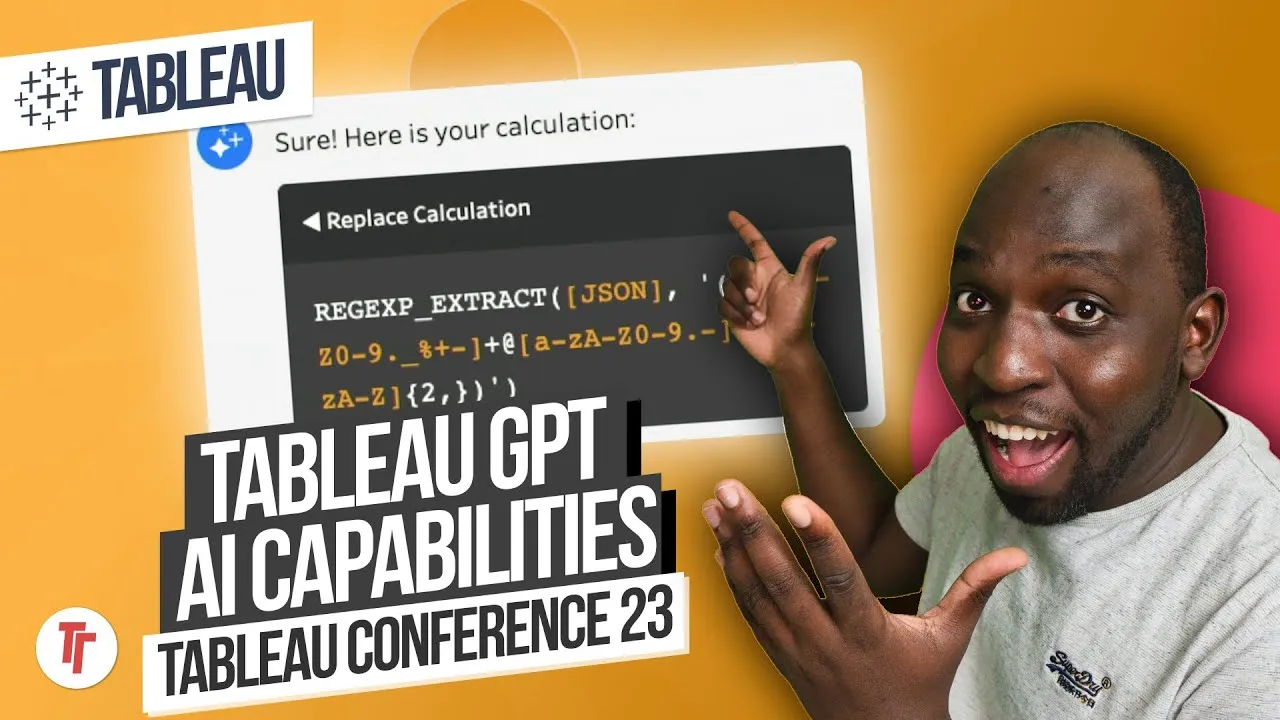
- Tableau GPT can write calculations inside Prep, such as extracting an email from a JSON dataset, and the feature works across the wider platform including Desktop.
- Prep now supports spatial joins on two spatial datasets, defining overlap or outer regions natively rather than relying on Python or third-party tools.
- You can choose which rows contain your headers, solving the long-standing annoyance of headers not sitting on row one of CSVs and flat files.
- A smart suggestion feature for removing duplicates was shown, though Tim cautions to test it rigorously since duplicates sometimes exist for legitimate reasons.
- Tableau Exchange connectors, such as Amazon S3, can be added to Prep today for free, with a growing list of vendor-built connectors.
A round-up of what Tableau Prep got at Tableau Conference 2023: fewer blockbuster features than the wider platform, but several practical ones that push it closer to a tool like Alteryx.
Tim reacts to conference announcements rather than building anything himself, walking through each new Prep capability as it was demoed on stage.
- Prep gets platform-wide features, not just its own 0:06
Many capabilities announced under Prep, like Tableau GPT, actually apply across the whole platform rather than being Prep-exclusive, so features you see demoed in Prep may well show up in Desktop too.
- Tableau GPT can write calculations for you 0:51
In the demo, GPT was asked to write a calculation to extract an email address from a JSON dataset inside Prep. Treat this as an example of a general capability: you can describe what you want and have a calculation generated rather than writing it by hand.
- Spatial joins now live natively in Prep 1:20
You can join two spatial datasets and define the join by whether they overlap or by their outer, non-overlapping regions, without going outside Prep or relying on the Python integration or third-party tools as you previously had to.
- Choosing which row holds your headers 2:40
When headers aren't on row one of a CSV or flat file, you can now specify which row they're actually on instead of manually renaming fields or resorting to pivot/unpivot workarounds. Useful whenever you inherit messy flat files with header rows buried further down.
- Smart suggestion for removing duplicates 3:26
Prep can suggest duplicate rows to remove, but treat this as a starting point, not a final answer: duplicate-looking rows can be legitimate (e.g. two identical purchases at the same time), so test the suggestion rigorously against your own data before trusting it.
- Tableau Exchange connectors inside Prep 4:09
Vendor-built connectors, such as one for Amazon S3, can now be added into Prep directly, and the list is growing. Worth checking the Exchange periodically since new connectors can be added for free and used immediately.
- Don't trust the duplicate-removal suggestion blindly — verify it against cases where duplicates are legitimate before relying on it in production.
- Tim expects Prep's calculation and metadata features (e.g. anything Tableau GPT related) to extend to Desktop and other parts of the platform, not stay Prep-specific.
- He notes Prep still has a number of annoying bugs despite its nicer interface compared with Alteryx.
Reach for this update if you're evaluating whether Prep can replace tasks you currently do in Alteryx or manually — spatial joins, awkward header rows and connector access via Exchange are the concrete wins here.
How this Rollup was made provenance & method
A Rollup is drafted by AI from the video's transcript, then reviewed and edited by Tim. Everything used to produce this one is listed below (the model, the exact prompt, and the source video), so the process is transparent and reproducible.
- Transcription
- On-device: NVIDIA Parakeet v3 for recent videos, OpenAI Whisper large-v3 for earlier ones. The transcript never leaves the machine or gets published.
- Drafting
- Claude Sonnet 5 in the cloud, from that transcript.
- Prompt
- The exact Rollup prompt (v2) , the full system prompt, unedited.
- Mode
- Walkthrough: a timestamped breakdown in video order, for a demo or how-to. Written before modes existed, when every Rollup was a walkthrough.
- Source video
- Watch on YouTube
- Drafted
- 5 July 2026 at 09:38
- Reviewed & edited
- 5 July 2026 at 09:41 · by Tim Ngwena
Model + prompt + video is everything you'd need to recreate a Rollup like this yourself. The one thing we don't share is the transcript.
Rights. The video and its transcript are the property of TN Media Ltd. Unauthorised use or download is prohibited. © TN Media Ltd.