Tableau | AI & ML | Industry trends | Data prep
 Tableau GPT - Ai in Tableau Prep, Tableau Pulse & more | Announced at Tableau Conference 2023
Tableau GPT is exciting, but in an analytical context it's all good and fine until it gets something wrong, really badly.
- Tableau GPT is built on a large language model trained to understand both Tableau's terminology and analytical context within organisations, sitting as an underlying layer across the platform.
- AI capabilities were demonstrated in three places: the search bar for metric questions, Tableau Pulse for generated prompts and open-ended queries, and Tableau Prep for tasks like extracting an email from a JSON field via regex.
- The model is likely trained on Tableau's knowledge base, documentation, forums and telemetry from Tableau Public, making its responses richer and more context-aware.
- AI is strongest for prompting direction (what to ask, what to look at) but riskier for mission-critical work, where wrong answers can have serious business consequences.
- Generated calculations should come with documentation and performance implications, ideally nudging you to push heavy logic back into the data stack rather than into Tableau itself.
Tim breaks down what Tableau GPT actually is and where it shows up across the platform, and flags why analytical AI needs a higher bar for accuracy than a general chatbot.
Tableau announced Tableau GPT at Tableau Conference 2023 as an AI layer running across search, Tableau Pulse and Tableau Prep. Tim reacts to the keynote demos and what they imply for day-to-day analytics work.
- Why Tableau had to talk about AI 0:18
Every technology vendor is under pressure to show an AI story, and Tableau used the keynote to argue it isn't just jumping on the bandwagon but has been building AI capability into its tools for a while.
- What Tableau GPT actually is 1:02
GPT stands for generative pre-trained transformer, the same family of technology behind tools like ChatGPT. Tableau GPT is Tableau's own large language model, trained to understand both Tableau-specific terminology and the analytical context of an organisation, and it's designed to sit as an underlying layer across the whole platform rather than as one bolt-on feature.
- Search bar metric questions 2:27
One surface is the search bar, where you can type a plain-language question about a metric and get a direct response back.
- Tableau Pulse prompts and open queries 2:41
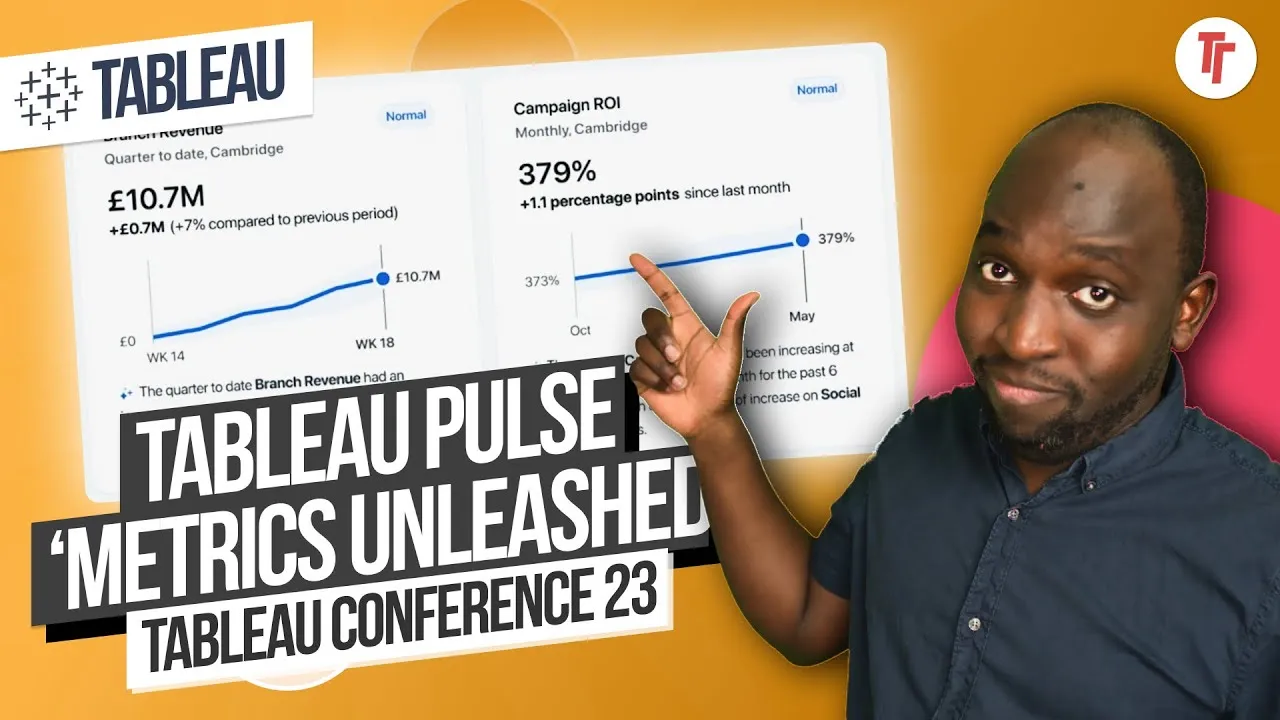
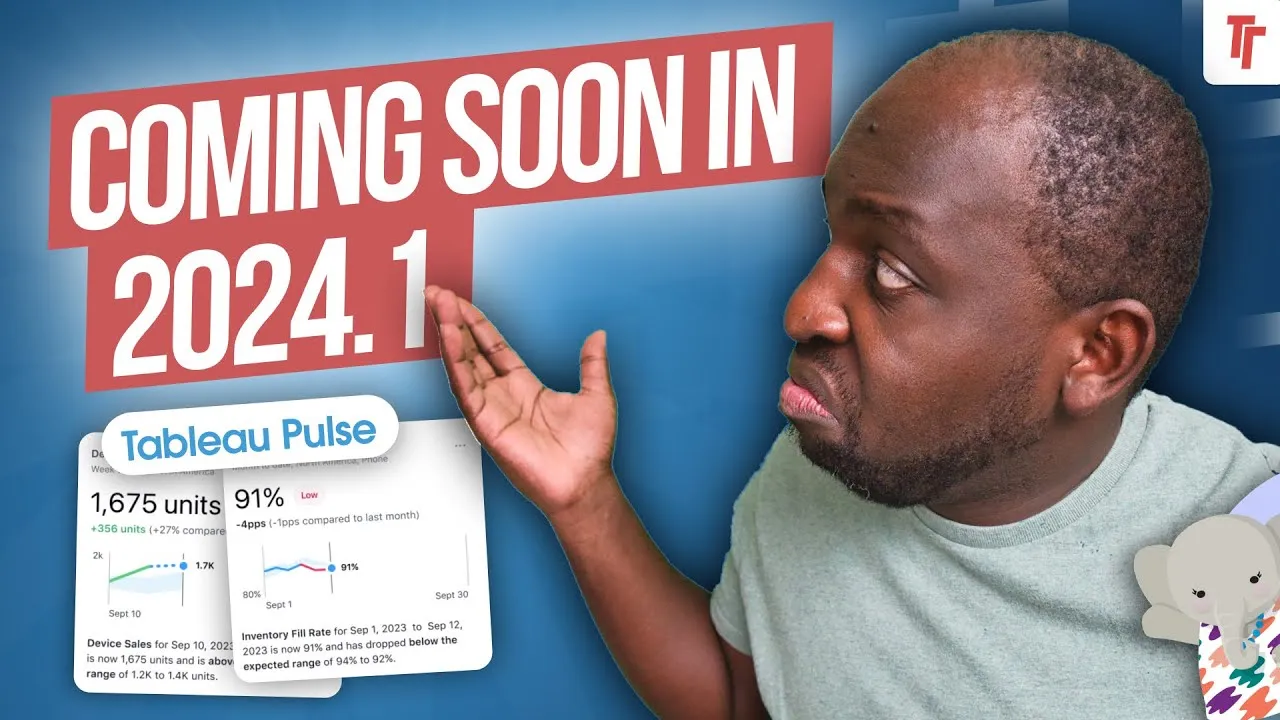
In Tableau Pulse, the new home for metrics not tied to a specific visualisation, Tableau GPT generates suggested questions to ask of a data source and also lets you type your own queries, including open-ended ones like asking what else you should know about a product.
- Tableau Prep regex generation 3:00
In Tableau Prep, you can describe a data problem in plain language, such as extracting an email address from a complex field, and Tableau GPT returns a working regex solution, even suggesting techniques you didn't explicitly ask for. The same pattern applies to writing calculations in Tableau Desktop, such as asking for a formula that looks back four months.
- What it's probably trained on 4:13
Tim reasons that Tableau's knowledge base, documentation, community forums and known-issue responses are all strong training sources, and pairing that with telemetry from how people actually use Tableau and Tableau Public would make responses richer and more context-aware.
- The accuracy caveat 4:46
An answer has to be useful and right, and in an analytical or business context a wrong answer can go badly wrong. AI is safest for prompting direction, what to ask or where to look, and riskier the closer you get to mission-critical calculations.
- What good AI-generated calculations should include 5:22
When AI writes a calculation, such as a regex, you want documentation explaining what it's doing and ideally a note on performance implications, including whether the logic should be pushed back further into the data stack rather than handled inside Tableau itself.
- The keynote only showed a small glimpse of the technology in action, so much of how it performs in practice is still unknown.
- AI-generated regex or calculations came back without documentation, which is a gap you'd want addressed before relying on them for critical work.
Reach for this kind of AI assistance when you need direction, starting points or a first-pass calculation, but treat it cautiously and verify anything that feeds into mission-critical analytical work.
How this Rollup was made provenance & method
A Rollup is drafted by AI from the video's transcript, then reviewed and edited by Tim. Everything used to produce this one is listed below (the model, the exact prompt, and the source video), so the process is transparent and reproducible.
- Transcription
- On-device: NVIDIA Parakeet v3 for recent videos, OpenAI Whisper large-v3 for earlier ones. The transcript never leaves the machine or gets published.
- Drafting
- Claude Sonnet 5 in the cloud, from that transcript.
- Prompt
- The exact Rollup prompt (v2) , the full system prompt, unedited.
- Mode
- Walkthrough: a timestamped breakdown in video order, for a demo or how-to. Written before modes existed, when every Rollup was a walkthrough.
- Source video
- Watch on YouTube
- Drafted
- 5 July 2026 at 09:38
- Reviewed & edited
- 5 July 2026 at 09:41 · by Tim Ngwena
Model + prompt + video is everything you'd need to recreate a Rollup like this yourself. The one thing we don't share is the transcript.
Rights. The video and its transcript are the property of TN Media Ltd. Unauthorised use or download is prohibited. © TN Media Ltd.