Tableau | Data visualisation | Analytics
 Metrics improvements - New in Tableau 2022.2
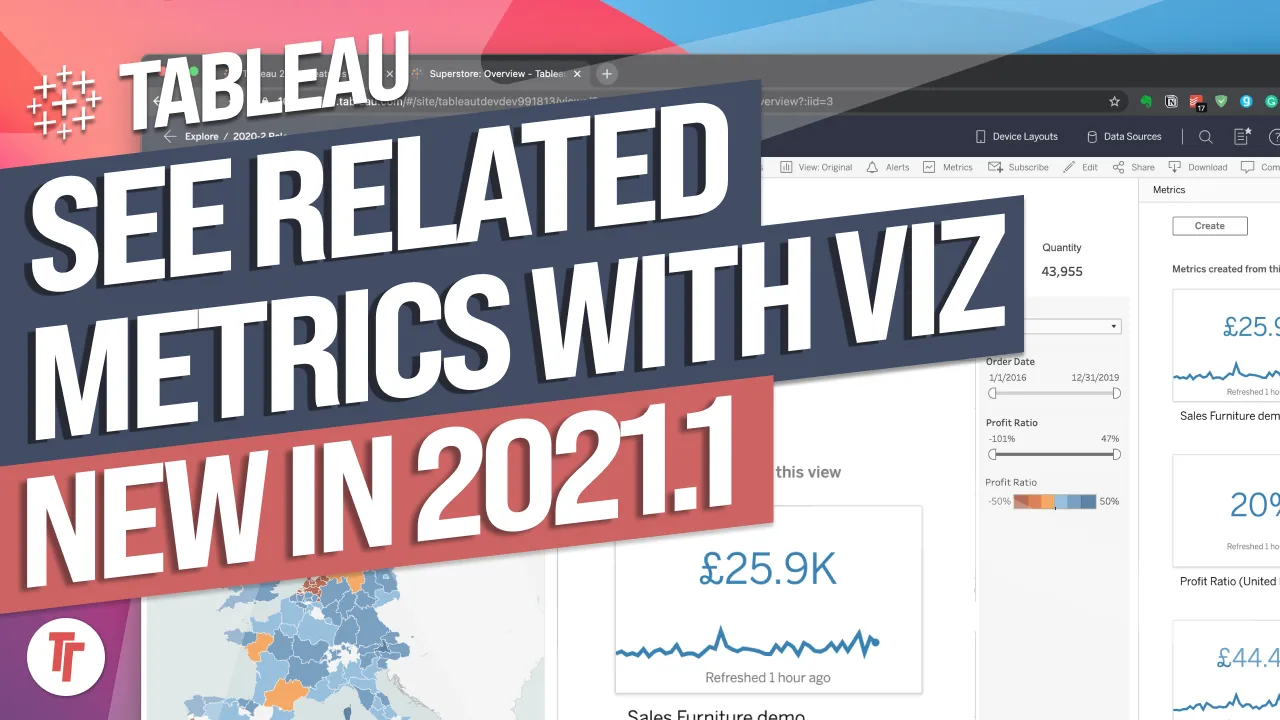
Metrics in Tableau 2022.2 are finally portable — edit the configuration without ever going back to the dashboard.
- You can now edit a metric's description and configuration directly from the metric, rather than rebuilding it from the dashboard
- The date range can be set to preset periods, max, or a custom rolling range such as 18 months
- Historical comparisons let you compare to a number of prior months and show a comparison line on the visualisation
- Target lines can be added via the comparison type, with dynamic status indicators turning red or green based on performance
- The context switcher brings the mobile swipe-between-ranges experience back to desktop
Tableau 2022.2 lets you edit a metric's configuration directly from the metric itself, so you no longer have to go back to the dashboard and rebuild it to change how it displays.
Tim opens a metric created in an earlier Tableau version to check whether the new editing capability genuinely holds up on existing metrics, not just new ones.
- Edit description inline 0:41
Hovering over the metric surfaces editing indicators you might otherwise miss; you can update the description directly without touching the original viz.
- Change the date range 1:21
From the configuration panel you can switch between preset ranges (12, 60 months), a max range limited only by the data source, or set a custom rolling range such as 18 months.
- Add a historical comparison 1:40
You can compare the metric to a chosen number of prior months and overlay a comparison line on the visualisation, giving trend context without rebuilding the chart.
- Add a target line via comparison type 2:01
Instead of a historical comparison, use the same comparison type setting to draw a dynamic target reference line (for example a value like 40,000) across the visualisation.
- Set status colours for performance 2:20
Define what counts as good, neutral or bad relative to the target, and the metric indicator automatically turns green or red depending on current performance once live on server.
- Switch context on the fly 2:41
A context switcher lets you flip between your custom range and the standard 12/60/max month views without reconfiguring, bringing the mobile swipe-between-ranges experience to desktop.
- Metrics refresh on their own hourly schedule regardless of how often the underlying data source refreshes, so a metric can look fresh even if the data itself hasn't changed.
- The custom range you set becomes the default context, but the standard 12/60 month and max views remain available alongside it for quick browsing.
Reach for this when you maintain metrics that need occasional tweaks to range, comparisons or targets, and want to avoid rebuilding them from the dashboard every time requirements shift.
How this Rollup was made provenance & method
A Rollup is drafted by AI from the video's transcript, then reviewed and edited by Tim. Everything used to produce this one is listed below (the model, the exact prompt, and the source video), so the process is transparent and reproducible.
- Transcription
- On-device: NVIDIA Parakeet v3 for recent videos, OpenAI Whisper large-v3 for earlier ones. The transcript never leaves the machine or gets published.
- Drafting
- Claude Sonnet 5 in the cloud, from that transcript.
- Prompt
- The exact Rollup prompt (v2) , the full system prompt, unedited.
- Mode
- Walkthrough: a timestamped breakdown in video order, for a demo or how-to. Written before modes existed, when every Rollup was a walkthrough.
- Source video
- Watch on YouTube
- Drafted
- 5 July 2026 at 09:38
- Reviewed & edited
- 5 July 2026 at 09:41 · by Tim Ngwena
Model + prompt + video is everything you'd need to recreate a Rollup like this yourself. The one thing we don't share is the transcript.
Rights. The video and its transcript are the property of TN Media Ltd. Unauthorised use or download is prohibited. © TN Media Ltd.