Tableau | Data visualisation | Productivity
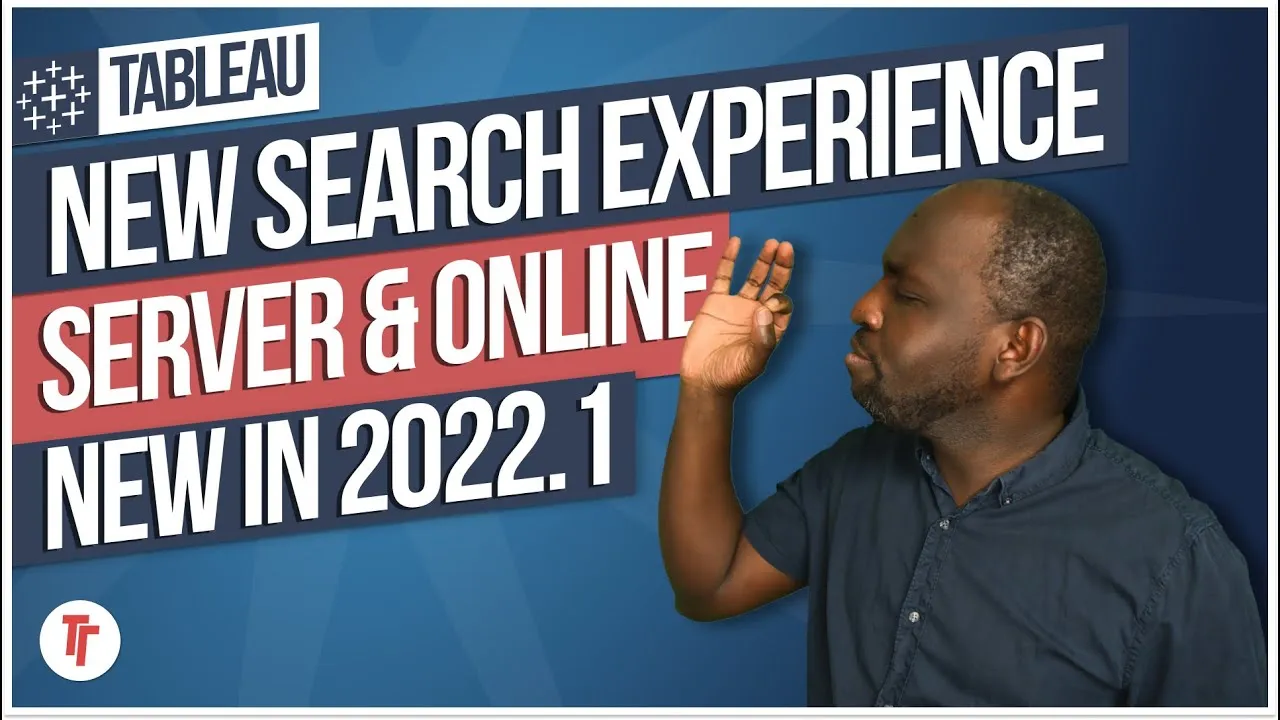
 Improved Quick Search - New in Tableau 2022.2
Search in Tableau Cloud is quietly becoming a navigation tool, not just a search box.
- Quick Search surfaces your recent searches at the top of the search box, so you can re-run a frequent query without typing
- The search box tolerates typos and tries to interpret what you actually meant, returning the right content anyway
- As you type, results appear with extra context, letting search act as a navigation tool that jumps straight to the item
- At launch this enhancement is Tableau Cloud only, with a possible later rollout to Tableau Server
Tableau Cloud's search box now remembers your recent searches and shows context as you type, turning it from a basic search field into a quick way to jump straight to content.
Recorded on Tableau Cloud, looking at the homepage search box after the 2022.2 update.
- Search tolerates typos 0:22
Type a rough or misspelled version of what you're after and the search box tries to interpret your intent, still returning the right result rather than nothing.
- Recent searches sit at the top 1:01
Open the search box and your past queries appear right away at the top, so for anything you look up often you can just select it instead of retyping it each time.
- Results show context as you type 1:21
As you type, matching items appear with extra context about what they are, helping you confirm you've found the right one before clicking.
- Search doubles as navigation 1:41
Clicking a result takes you straight to that piece of content, so search is becoming less a lookup tool and more a direct way to navigate around Tableau Cloud.
- At the time of recording this is a Tableau Cloud feature only, with Server support only a possibility for later.
Reach for this whenever you need to jump quickly to a workbook or view you use regularly, rather than clicking through folders to find it.
How this Rollup was made provenance & method
A Rollup is drafted by AI from the video's transcript, then reviewed and edited by Tim. Everything used to produce this one is listed below (the model, the exact prompt, and the source video), so the process is transparent and reproducible.
- Transcription
- On-device: NVIDIA Parakeet v3 for recent videos, OpenAI Whisper large-v3 for earlier ones. The transcript never leaves the machine or gets published.
- Drafting
- Claude Sonnet 5 in the cloud, from that transcript.
- Prompt
- The exact Rollup prompt (v2) , the full system prompt, unedited.
- Mode
- Walkthrough: a timestamped breakdown in video order, for a demo or how-to. Written before modes existed, when every Rollup was a walkthrough.
- Source video
- Watch on YouTube
- Drafted
- 5 July 2026 at 09:38
- Reviewed & edited
- 5 July 2026 at 09:41 · by Tim Ngwena
Model + prompt + video is everything you'd need to recreate a Rollup like this yourself. The one thing we don't share is the transcript.
Rights. The video and its transcript are the property of TN Media Ltd. Unauthorised use or download is prohibited. © TN Media Ltd.