Tableau | Data prep
 Fill Down in Tableau Prep | New in Tableau 2023.3
Forget the lookup malarkey, you can now just fill down nulls in Tableau Prep in under four minutes.
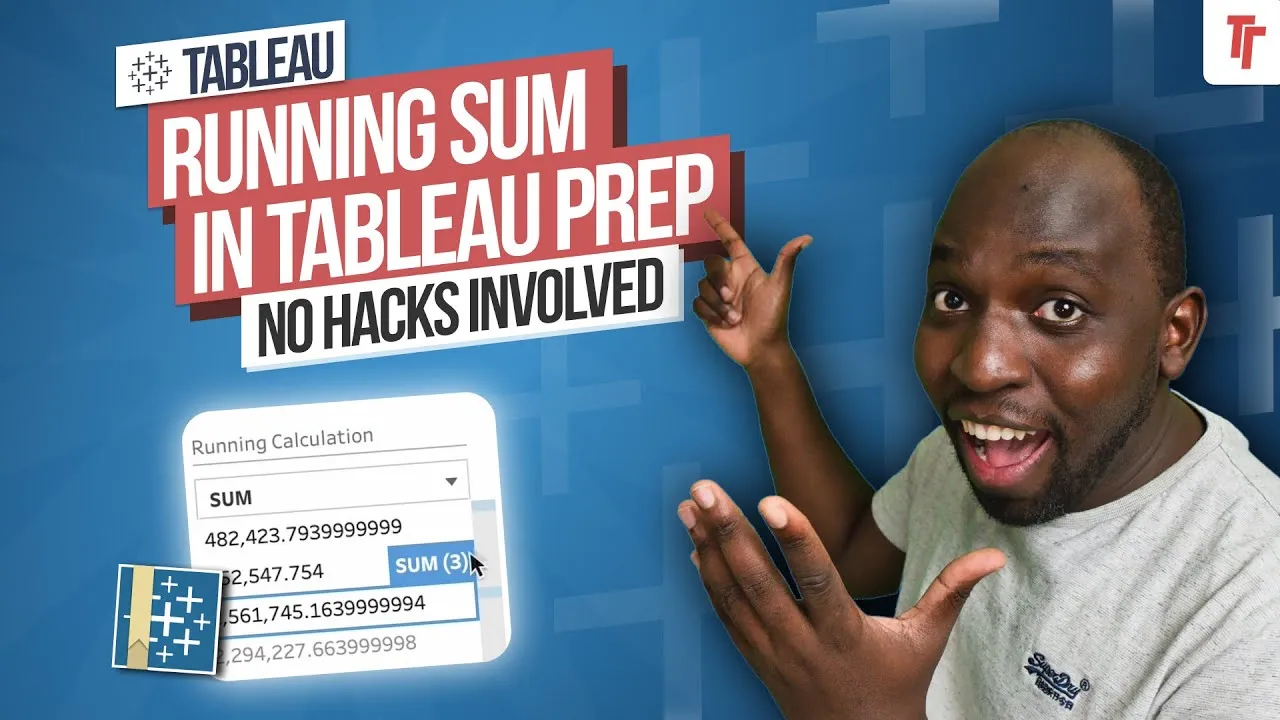
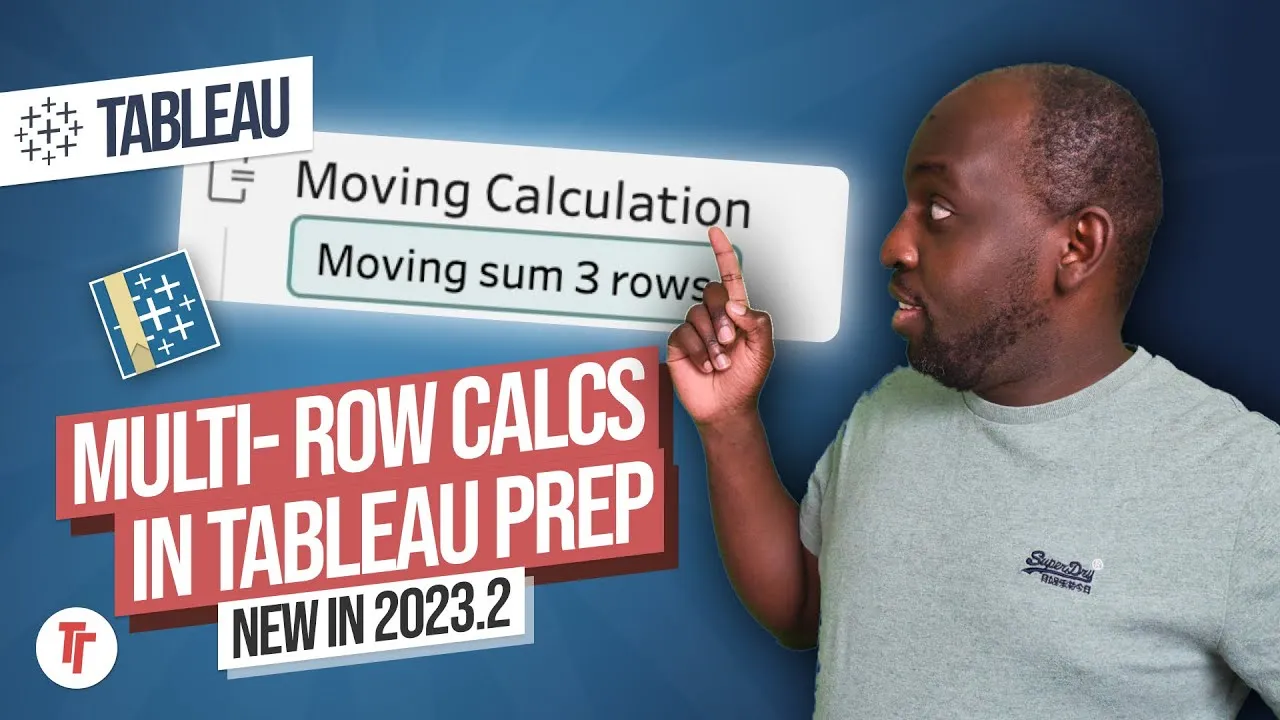
- Tableau Prep 2023.3 adds fill down and running calculations, removing the need for fiddly previous-row lookup functions
- The auto-generated source row number is essential for fill down to apply values in the correct data source order
- Fill down is accessed via Create Calculated Field, which now lists table-calculation-style options like fill down and difference from
- The interface lets you set group by, order by and compute using, then automatically fills nulls with the value above
Tableau Prep 2023.3 adds a built-in fill down calculation, so you can fill null gaps in a column with the value above without writing lookup-the-previous-row formulas.
Tim uses a sample Excel file where a category column has nulls because the source data only lists a label once and leaves the following rows blank. He needs those blanks filled with the value from the row above, in the correct source order.
- Spot the null pattern and check data structure 0:20
When a column has nulls that should really repeat the value above, check the data structure pane to confirm the values genuinely aren't present after the first row rather than being a load error.
- Bring in the source row number 0:42
Tableau Prep auto-generates a source row number field; include it so you can see and preserve the original order the data arrived in. This step matters because fill down needs a reliable order to know which value sits 'above' a null.
- Open Create Calculated Field on the target column 1:22
Instead of writing a lookup-to-previous-row formula, go to the column with nulls and use Create Calculated Field, which now includes table-calculation-style options such as fill down and difference from.
- Select Fill Down and set group by / order by / compute using 2:02
Choose fill down from the list, then configure group by, order by and compute using so Prep knows the scope and order to fill within. This must be based on the correct row order (the source row number) or the fill will pull the wrong value into the wrong null.
- Confirm and check the new column 3:21
Hit done to generate a new column with the nulls replaced by the value from above; click into individual cells to verify the fill has been applied consistently across all the affected rows.
- Without the source row number, fill down can't be trusted to pull the value from the correct preceding row, since any other row order gives no certainty about which value a null should inherit.
- The calculated field list mixing fill down, difference from and similar options is described as still a bit cluttered/busy — expect the UI and naming to keep evolving.
- Fill down replaces the older workaround of writing a lookup-to-previous-row calculation, so any existing lookup-based solutions for this problem are now unnecessary.
Reach for this whenever an import (commonly Excel exports) only states a value once and leaves subsequent related rows blank, and you need those blanks populated with the value above before you can group, join or aggregate on that column.
How this Rollup was made provenance & method
A Rollup is drafted by AI from the video's transcript, then reviewed and edited by Tim. Everything used to produce this one is listed below (the model, the exact prompt, and the source video), so the process is transparent and reproducible.
- Transcription
- On-device: NVIDIA Parakeet v3 for recent videos, OpenAI Whisper large-v3 for earlier ones. The transcript never leaves the machine or gets published.
- Drafting
- Claude Sonnet 5 in the cloud, from that transcript.
- Prompt
- The exact Rollup prompt (v2) , the full system prompt, unedited.
- Mode
- Walkthrough: a timestamped breakdown in video order, for a demo or how-to. Written before modes existed, when every Rollup was a walkthrough.
- Source video
- Watch on YouTube
- Drafted
- 5 July 2026 at 09:38
- Reviewed & edited
- 5 July 2026 at 09:41 · by Tim Ngwena
Model + prompt + video is everything you'd need to recreate a Rollup like this yourself. The one thing we don't share is the transcript.
Rights. The video and its transcript are the property of TN Media Ltd. Unauthorised use or download is prohibited. © TN Media Ltd.