Short |  Tableau | Data prep | Tool strategy
Tableau | Data prep | Tool strategy Custom data labels in Tableau. Tag PII or PHI data. #data #tableau #analytics
Tableau 23.3 lets you tag PII and PHI right on your data source with custom compliance labels.
- Custom data labels arrived in Tableau 23.3 and require the Data Management add-on
- You can create custom label categories, such as compliance, with labels like PII and PHI to flag sensitive data
- Creating a label is done via 'new label', where you choose or create a category and fill in the metadata and formatting
- Labels appear on the data source page alongside certification and sensitivity metadata, showing the number of labels applied
More on Tableau
Matched by platform and topic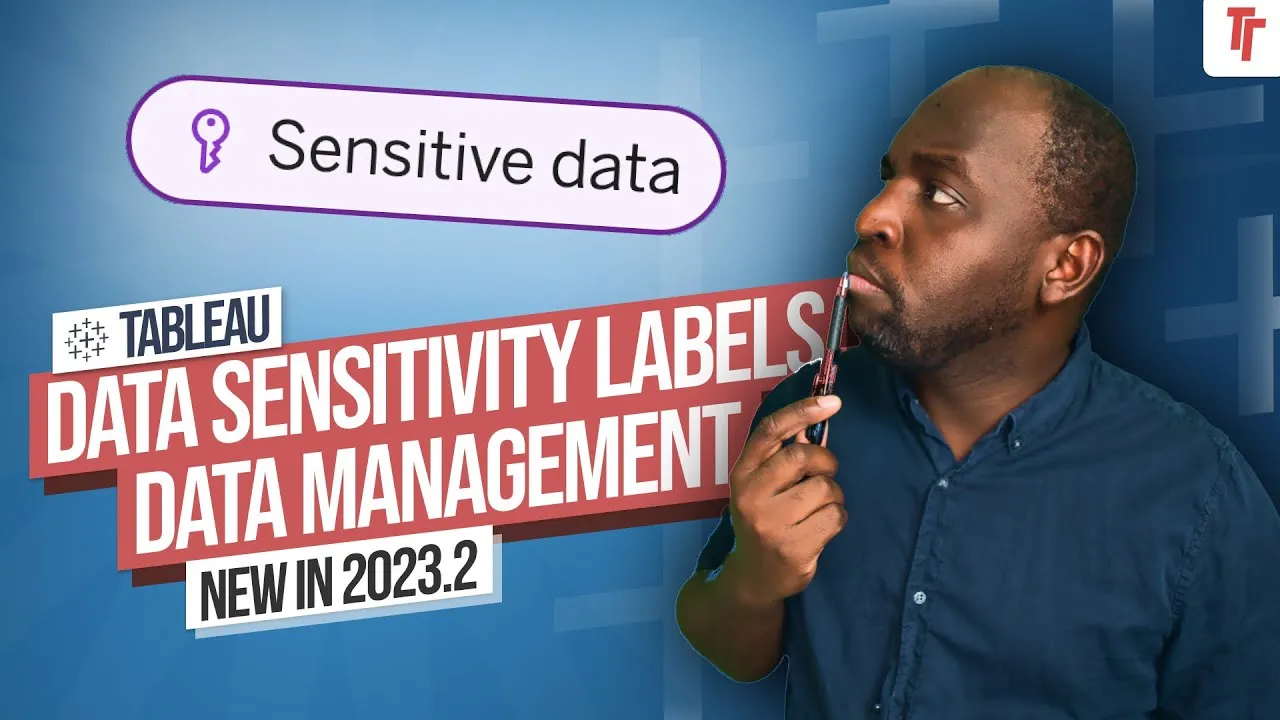
The Drilldown
a just-tim newsletter Liked this? Get the honest take most weeks.
New essays about the industry as they land. My running read on what's worth your attention. By email or on LinkedIn.
5,323 subscribers and counting