 Tableau | Data visualisation | Productivity
 Tableau Workbook Optimiser in under a minute #Short
Tableau 2022.1 now tells you exactly where your workbook is slowing down, and how to fix it.
- Tableau 2022.1 introduces the Workbook Optimizer, accessible from the option at the very bottom of the workbook
- It runs 12 performance tests covering things like unused fields, calculations across multiple data sources, calculation types and lengths, and number of data sources
- Results are shown as pass, amber alert, or fail so you can prioritise issues
- It doesn't just flag problems, it recommends specific fixes such as listing the exact unused fields to remove
Tableau release notes.
Optimise your Tableau workbook’s performance and understand what trade-offs you are making without compromising on insights. Workbook Optimiser emphasizes quick actions you can take without making functional changes, the actions that will require trading off functionality for performance, and the best practices you have implemented correctly in your workbook. With concrete guidance on implementing best practices, you can optimise the consumption experience and create dashboards that run smoothly in Tableau Online, Tableau Server and Tableau Desktop.
#tableau #salesforce
Follow me on Twitter: https://twitter.com/TableauTim
My recording gear & what’s on my desk. https://kit.co/TableauTim/desk-setup
My website: https://www.tableautim.com/
My Screen Annotation Tool: https://j.mp/3HWc4Mj
My technology Channel: https://j.mp/3F0d28f -
Join this channel to get access to perks:
https://www.youtube.com/channel/UC7HYxRWmaNlJux-X7rNLZyw/join ----------
(C) 2023 TN-Media LTD. No re-use, unauthorized use, or redistribution, of this video without prior permission.
Up next in Tableau Shorts
Collection · 10 posts
More on Tableau
Matched by platform and topic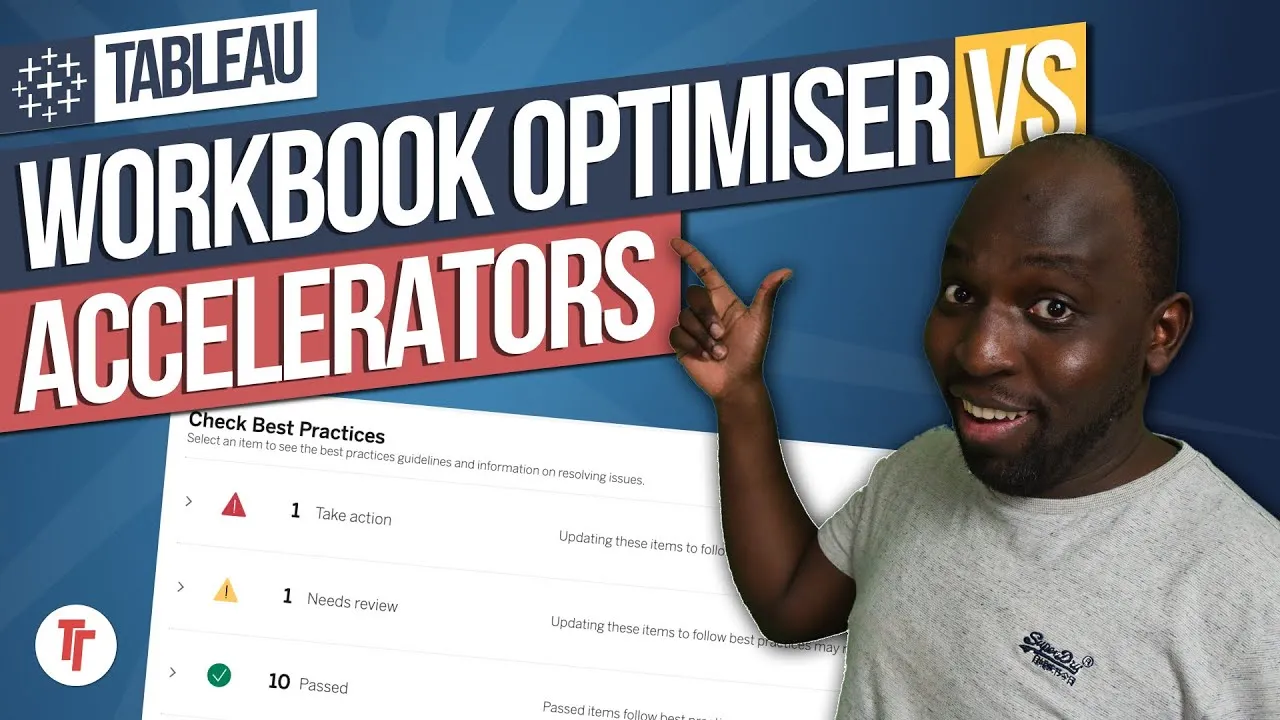

Liked this? Get the honest take most weeks.
New essays about the industry as they land. My running read on what's worth your attention. By email or on LinkedIn.
5,323 subscribers and counting