Tableau | Data visualisation
 Quick LODs: New inTableau 2021.1
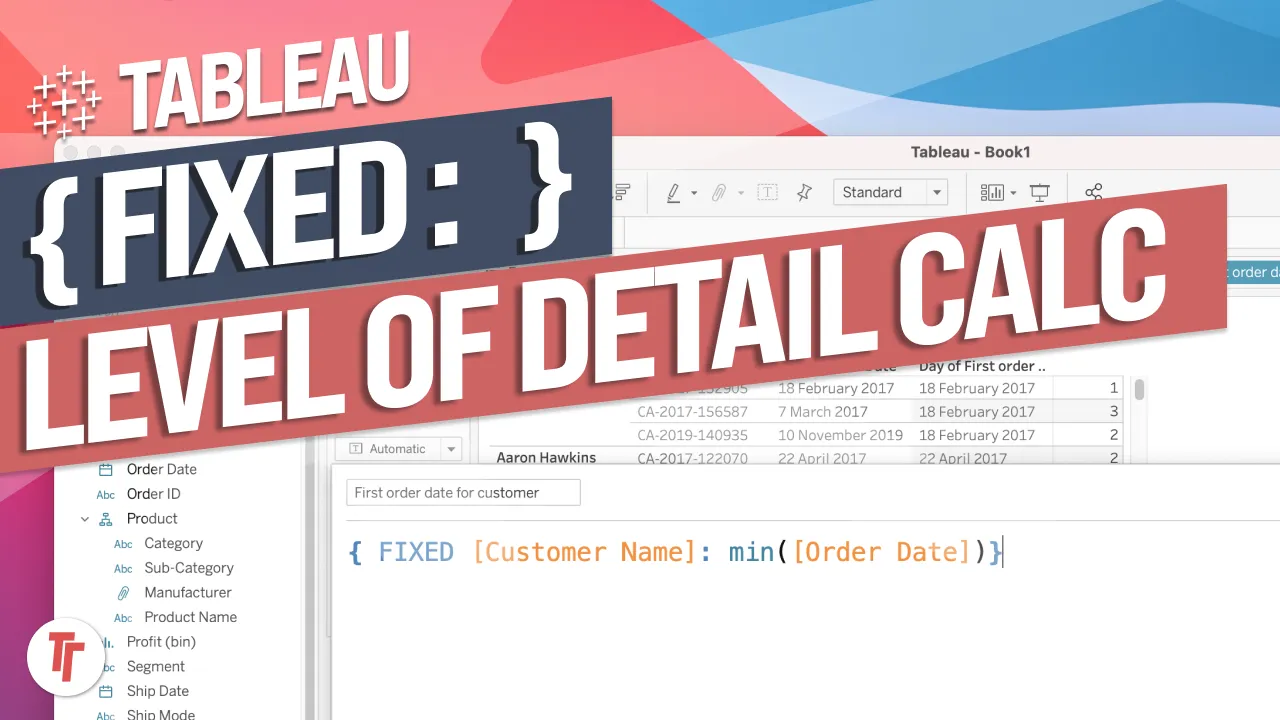
Quick LODs introduce a nice fast way to create a Fixed LOD.
- To create a Quick LOD by dragging, you must hold CTRL (Windows) or CMD (Mac) while dropping a measure onto a dimension, otherwise nothing happens.
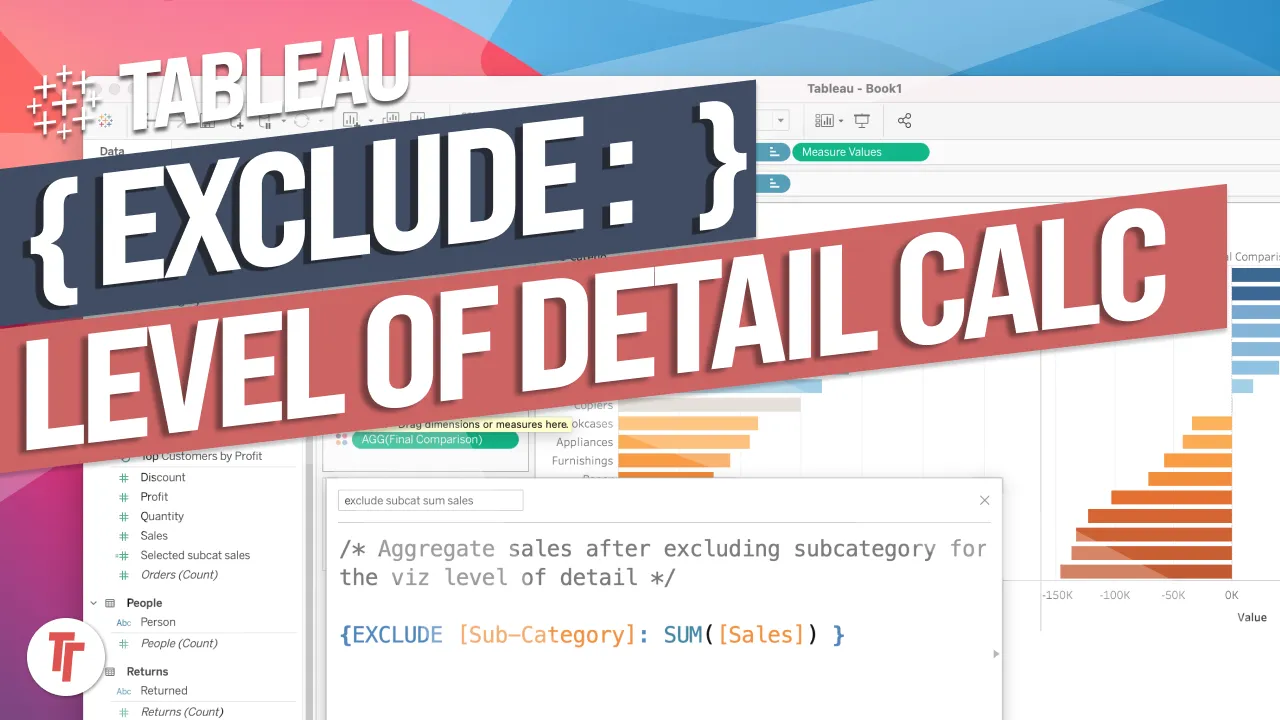
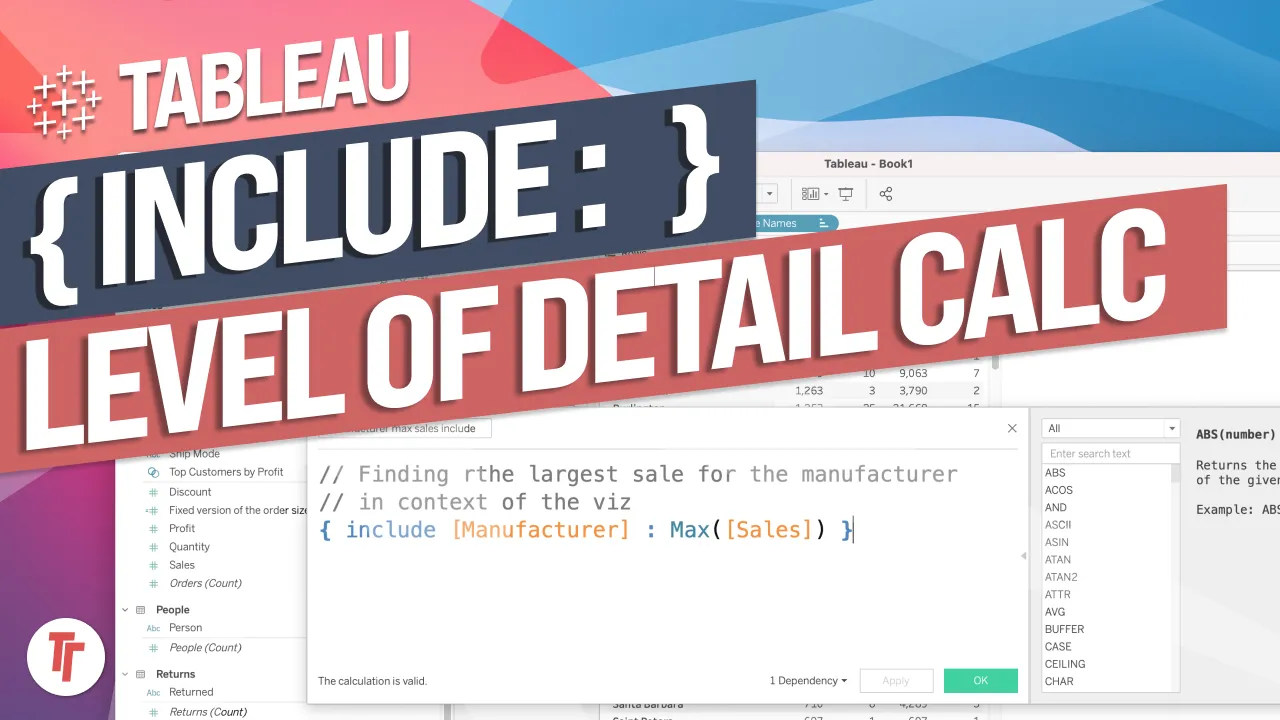
- Quick LODs always generate a Fixed LOD, which you can then edit manually to use INCLUDE or EXCLUDE instead.
- Selecting a measure and a dimension together (with CTRL/CMD), then right-clicking and choosing Create LOD, opens the calculation editor immediately for instant editing.
- Quick LODs auto-name calculations sequentially based on the measure and dimension involved.
Tableau 2021.1 added Quick LODs, a fast shortcut for creating Fixed Level of Detail calculations without typing out the calculation syntax yourself.
Feature demoed in Tableau 2021.1 using a Superstore-style data source, showing how to build a Fixed LOD calc via drag-and-drop rather than the calculation editor.
- Why this needs explaining 0:20
The drag-and-drop method for Quick LODs isn't obvious from Tableau's own demo material othing visibly happens if you just drag a measure onto a dimension normally, which has left people unable to figure it out.
- Hold CTRL/CMD while dragging 0:40
To trigger a Quick LOD, hold CTRL on Windows or CMD on Mac while dragging a measure onto a dimension. You'll see both the measure and dimension highlight as you hover between them, and dropping it there creates a new Fixed LOD calculation automatically.
- What gets created 1:21
The resulting calculation is always a Fixed LOD combining the measure and dimension you dropped it on. You can open and edit it afterwards like any calculation or example, changing FIXED to INCLUDE or EXCLUDE if that's what you actually need.
- Alternative: select both, then Create LOD 1:41
Instead of dragging, you can hold CTRL/CMD to select the measure and dimension together, right-click, and choose Create LOD from the menu. This opens the calculation editor immediately, which is handier if you want to adjust the calculation before it's finalised rather than editing it after the fact.
- Auto-naming behaviour 2:01
Quick LODs name calculations after the measure and dimension involved, and append a sequential number if you create more than one from the same fields \
- Quick LODs only ever generate a Fixed LOD here's no direct option to create INCLUDE or EXCLUDE this way, so you must edit manually afterwards if you need those.
- The drag method silently fails if you forget to hold CTRL/CMD here's no error, it just won't create the calculation.
Reach for this when you want a Fixed LOD calculation quickly without typing FIXED syntax by hand, then fall back to manual editing if you need INCLUDE/EXCLUDE instead.
How this Rollup was made provenance & method
A Rollup is drafted by AI from the video's transcript, then reviewed and edited by Tim. Everything used to produce this one is listed below (the model, the exact prompt, and the source video), so the process is transparent and reproducible.
- Transcription
- On-device: NVIDIA Parakeet v3 for recent videos, OpenAI Whisper large-v3 for earlier ones. The transcript never leaves the machine or gets published.
- Drafting
- Claude Sonnet 5 in the cloud, from that transcript.
- Prompt
- The exact Rollup prompt (v2) , the full system prompt, unedited.
- Mode
- Walkthrough: a timestamped breakdown in video order, for a demo or how-to. Written before modes existed, when every Rollup was a walkthrough.
- Source video
- Watch on YouTube
- Drafted
- 5 July 2026 at 09:38
- Reviewed & edited
- 5 July 2026 at 09:41 · by Tim Ngwena
Model + prompt + video is everything you'd need to recreate a Rollup like this yourself. The one thing we don't share is the transcript.
Rights. The video and its transcript are the property of TN Media Ltd. Unauthorised use or download is prohibited. © TN Media Ltd.