Tableau | Data visualisation | Analytics | AI & ML
 How to use Explain Data in Tableau Desktop 2019.3 and newer.
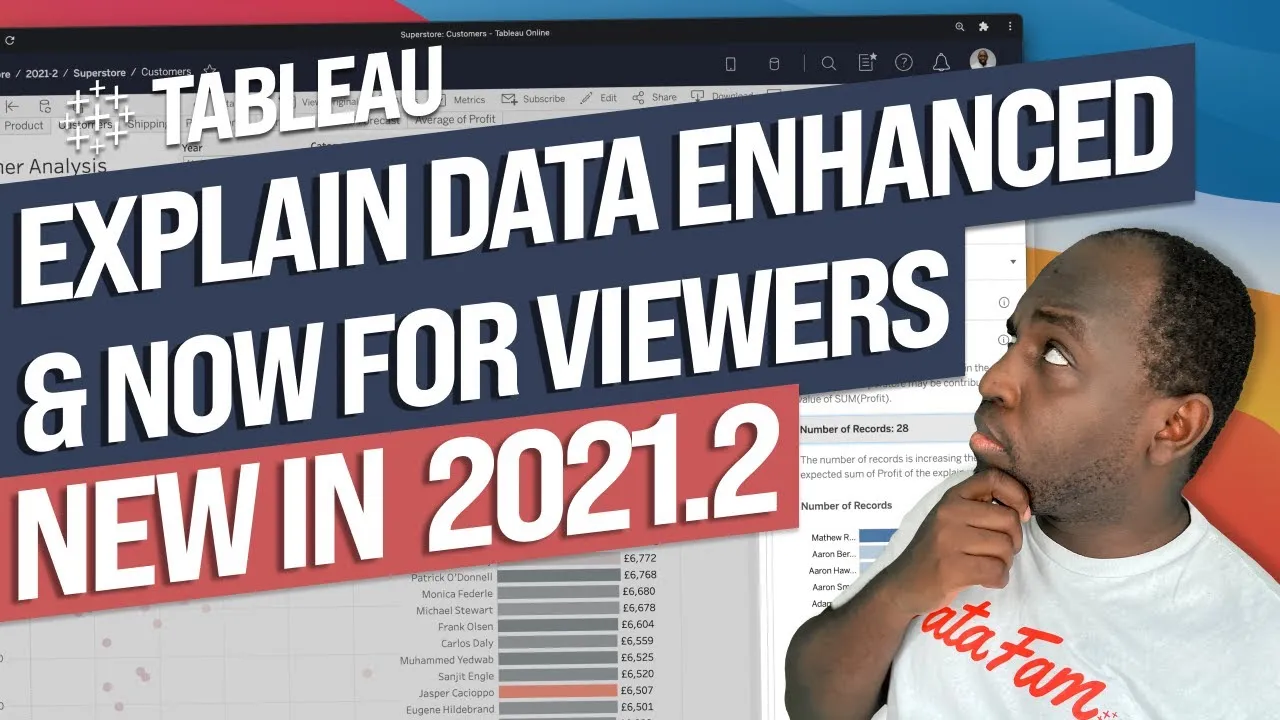
Instead of manually digging through tables to explain an outlier, let Tableau's machine learning do it for you with Explain Data.
- Explain Data runs a range of machine learning models on a selected mark to surface why it behaves as an outlier, such as a higher-than-expected number of records or extreme values.
- You can open any Explain Data finding as a new worksheet, including charts that exclude the extreme value, and the analysis window stays modal so you can keep working alongside it.
- Explain Data only analyses the measures already on your columns, rows and marks; adding a new measure invalidates the analysis and prompts you to rerun it.
- The feature compares your selected mark (shown in blue) against the spread of all other marks (in grey), revealing distributional differences like a higher proportion of terraces and flats or young adults in a given borough.
Explain Data uses machine learning to automatically investigate why a selected mark is an outlier, replacing the manual drilling-down you'd otherwise do yourself. It surfaces things like unusually high record counts or extreme values behind a data point in seconds.
Tim starts with a sales-and-profit scatterplot containing an obvious outlier city, and walks through the manual ad hoc analysis (sets, drilling to grain) you'd normally do to explain it before showing Explain Data doing the same job automatically.
- Manually investigate an outlier first 0:00
Before using the feature, Tim shows the traditional approach: select the outlier mark, create a set to isolate it, then break the view down to its most granular level to see what's driving the aggregated value. This is slow and only really tells you what you already suspected.
- Run Explain Data on a selected mark 1:58
Select any mark and click the Explain Data icon in the tooltip toolbar; Tableau runs a range of machine learning models against it and surfaces findings such as a higher-than-expected number of underlying records or an extreme value skewing the point, complete with a generated chart.
- Open a finding as its own worksheet 3:02
Any chart Explain Data generates, including one that excludes the extreme value, can be opened as a new worksheet via an icon in the corner. The analysis window stays modal, so you can keep working on your original view while referring back to it.
- Explain Data only reads the measures in your view 3:43
The analysis is scoped to whatever measures are already on columns, rows and marks. If you add a new measure, the analysis becomes invalid and Tableau prompts you to rerun it on that same mark to bring the new field into the findings.
- Compare your mark against the rest of the data 6:02
In the London home-ownership example, Explain Data shows your selected mark in blue against the spread of all other marks in grey, which is how it reveals distributional differences, for instance a much higher proportion of terraces and flats or young adults in one borough versus the rest.
- Use it as instant analysis, not just a diagnostic 7:21
Beyond confirming a hunch about an outlier, the feature can generate insight you weren't looking for, giving you ready-made explanatory charts without building any ad hoc analysis yourself.
- Adding or changing a measure on your view invalidates the current Explain Data analysis and you must rerun it on the same mark to include the new field.
- A finding like 'higher than expected number of records' can be a consistent artefact of the same underlying data point recurring across multiple measures, so it's not always a distinct insight per measure.
- Larger datasets take noticeably longer for Explain Data to process than small ones.
Reach for this when a mark in your view looks like an outlier and you want a quick explanation without manually building sets or drilling to grain yourself, especially in exploratory analysis or when handing a dashboard to end users to self-serve their own investigations.
How this Rollup was made provenance & method
A Rollup is drafted by AI from the video's transcript, then reviewed and edited by Tim. Everything used to produce this one is listed below (the model, the exact prompt, and the source video), so the process is transparent and reproducible.
- Transcription
- On-device: NVIDIA Parakeet v3 for recent videos, OpenAI Whisper large-v3 for earlier ones. The transcript never leaves the machine or gets published.
- Drafting
- Claude Sonnet 5 in the cloud, from that transcript.
- Prompt
- The exact Rollup prompt (v2) , the full system prompt, unedited.
- Mode
- Walkthrough: a timestamped breakdown in video order, for a demo or how-to. Written before modes existed, when every Rollup was a walkthrough.
- Source video
- Watch on YouTube
- Drafted
- 5 July 2026 at 09:38
- Reviewed & edited
- 5 July 2026 at 09:41 · by Tim Ngwena
Model + prompt + video is everything you'd need to recreate a Rollup like this yourself. The one thing we don't share is the transcript.
Rights. The video and its transcript are the property of TN Media Ltd. Unauthorised use or download is prohibited. © TN Media Ltd.