Tableau | Data visualisation
 Build Radial Charts in Tableau Public | Tableau Public Vizart Pilot
Radial Charts have landed in Tableau Public as a trial, so let's figure them out together before June 30th.
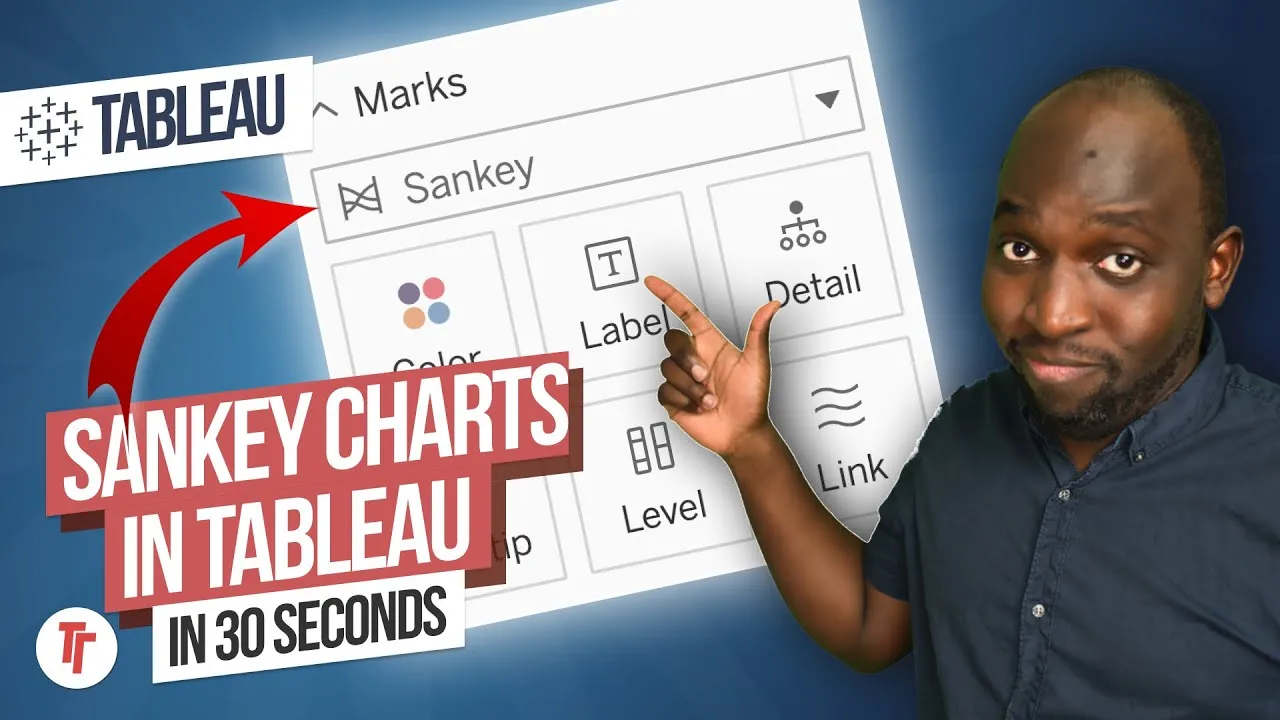
- Radial Charts (alongside Sankey Charts) are available in Tableau Public as a trial until 30 June.
- A radial chart behaves much like a layered pie chart: the order of dimensions on Level dictates the order of the rings, and the first dimension drives the colour.
- Put a measure such as Quantity on Angle to size the segments proportionally, otherwise everything renders in equal proportions.
- Labels tend to break and need disabling, and there's currently no way to drop a dimension onto Colour or Detail, so colour control is limited.
- You can already fake a two-level radial chart by layering pie charts at different levels of detail, but the native chart type avoids that hack.
Tableau Public has a trial Radial Chart type (available until 30 June), and this walks through building one from scratch to show how it works and where its current limitations sit. It's worth understanding now because it behaves like a layered pie chart but with its own quirks and bugs.
Built live against Superstore data, with no prior experience of the chart type. The same trial period also includes Sankey Charts, covered separately.
- Put a dimension on Level for the first ring 1:01
Drag a dimension into the Level shelf to get an equal-proportion ring for each of its members, much like a basic pie chart.
- Add a second dimension to Level for an outer ring 1:20
Adding a second dimension to Level creates a further ring around the outside. The order you place dimensions on Level dictates the order of the rings, and the first dimension you add drives the colour.
- Add a measure to Angle to size segments properly 1:40
Until you add a measure to Angle, every segment renders as an equal proportion regardless of actual data. Dropping a measure like Quantity onto Angle makes the segments size proportionally.
- Disable labels once they break 1:53
Labels tend to go haywire once angle-based sizing kicks in, so you'll likely need to turn off labels (including the bulk toggle) to keep the view usable.
- Expect inconsistent click/hover behaviour 2:02
Some marks respond to hovering but not clicking, and vice versa or certain segments "you're doing wrong; it's a current bug in the trial implementation.
- Adding more levels shrinks each ring 2:20
You can keep layering more dimensions onto Level, but each additional level makes the rings progressively smaller, so there's a practical limit before it gets hard to read.
- Colour is currently locked to the first Level field 2:30
Swapping which dimension sits first on Level changes the colour, but you can't currently drop a dimension directly onto Colour or Detail to control colour independently hat flexibility pie charts normally offer isn't there yet.
- The old two-level pie-chart hack still works, but isn't needed 3:00
Before native Radial Charts, you could fake a two-level radial effect by layering pie charts at different levels of detail (or more layers via map-layer tricks with actions). The new chart type is meant to replace that workaround, though it currently offers less flexibility than doing it by hand.
- Radial Charts (and Sankey Charts) are only available in Tableau Public as a trial until 30 June.
- There's currently no way to drop a dimension onto Colour or Detail, so colour control is limited to whichever dimension sits first on Level.
- Some marks can be hovered but not clicked (or vice versa), which looks like an unresolved bug in the trial build.
- Labels frequently break once angle sizing is applied and generally need disabling.
Reach for this if you want a quick radial/pie-style view with nested categories in Tableau Public and don't need fine control over colour or labelling yet reat it as an early trial rather than a finished chart type.
How this Rollup was made provenance & method
A Rollup is drafted by AI from the video's transcript, then reviewed and edited by Tim. Everything used to produce this one is listed below (the model, the exact prompt, and the source video), so the process is transparent and reproducible.
- Transcription
- On-device: NVIDIA Parakeet v3 for recent videos, OpenAI Whisper large-v3 for earlier ones. The transcript never leaves the machine or gets published.
- Drafting
- Claude Sonnet 5 in the cloud, from that transcript.
- Prompt
- The exact Rollup prompt (v2) , the full system prompt, unedited.
- Mode
- Walkthrough: a timestamped breakdown in video order, for a demo or how-to. Written before modes existed, when every Rollup was a walkthrough.
- Source video
- Watch on YouTube
- Drafted
- 5 July 2026 at 09:38
- Reviewed & edited
- 5 July 2026 at 09:41 · by Tim Ngwena
Model + prompt + video is everything you'd need to recreate a Rollup like this yourself. The one thing we don't share is the transcript.
Rights. The video and its transcript are the property of TN Media Ltd. Unauthorised use or download is prohibited. © TN Media Ltd.