Tableau | Analytics | Data visualisation
 Ask data colloquial suggestions
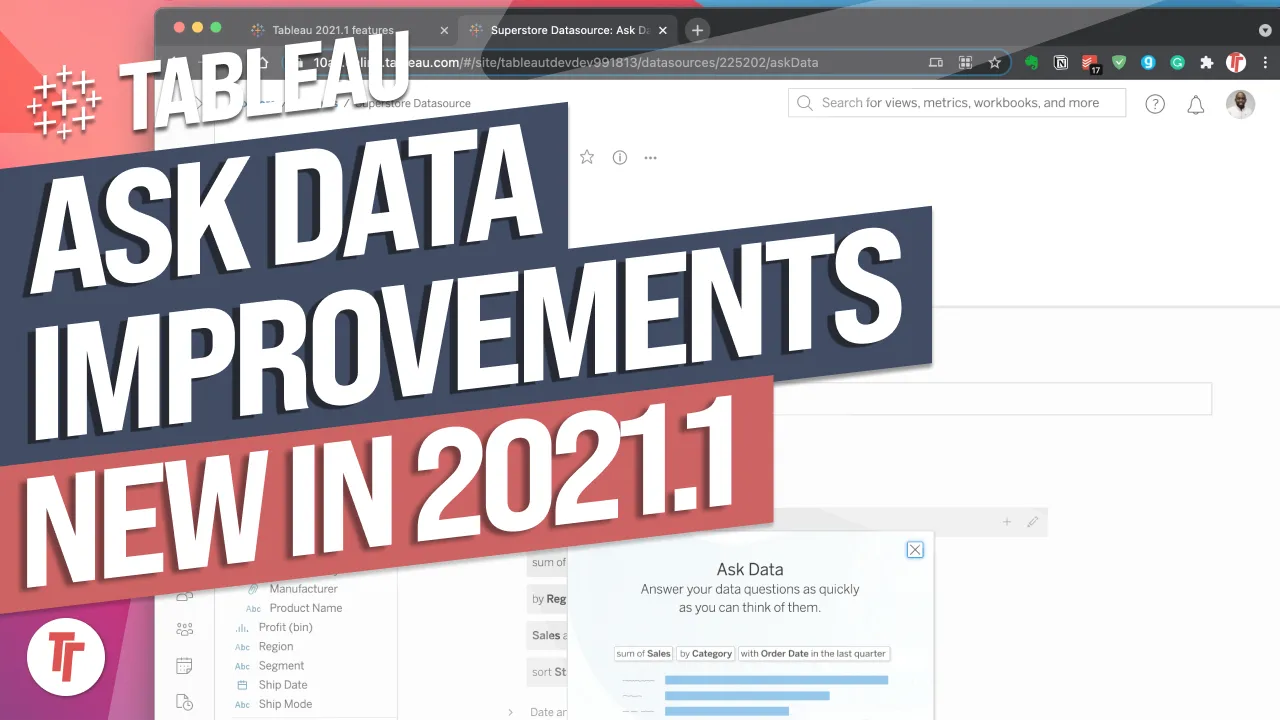
Ask Data suggestions usually read like database queries, so let me show you how to rewrite them the way you'd actually ask a friend.
- Ask Data suggestions default to database-style phrasing, which the colloquial suggestions feature lets you rewrite into natural language
- To access it, go to a published data source on Tableau Online or Server that has Ask Data enabled
- You can change both the underlying query (e.g. sum of sales) and the display text (e.g. 'what are the total sales')
- Clicking an edited suggestion still builds the view from the original query, acting as a bridge between database language and everyday phrasing
- The feature is especially useful for multicultural organisations needing to reconcile different language and terminology for the same metrics
Ask Data's suggested questions default to database-style phrasing, but you can rewrite the display text into natural, everyday language while keeping the underlying query intact — making the tool feel more like asking a colleague than querying a database.
Demoed on a published Superstore data source in Tableau Online, using the suggested questions panel that appears once Ask Data is enabled on a data source.
- Find a data source with Ask Data enabled 0:21
You must start from a data source published to Tableau Online or Server that has Ask Data switched on — this is where the suggested questions list appears.
- Spot the database-style suggestions 0:42
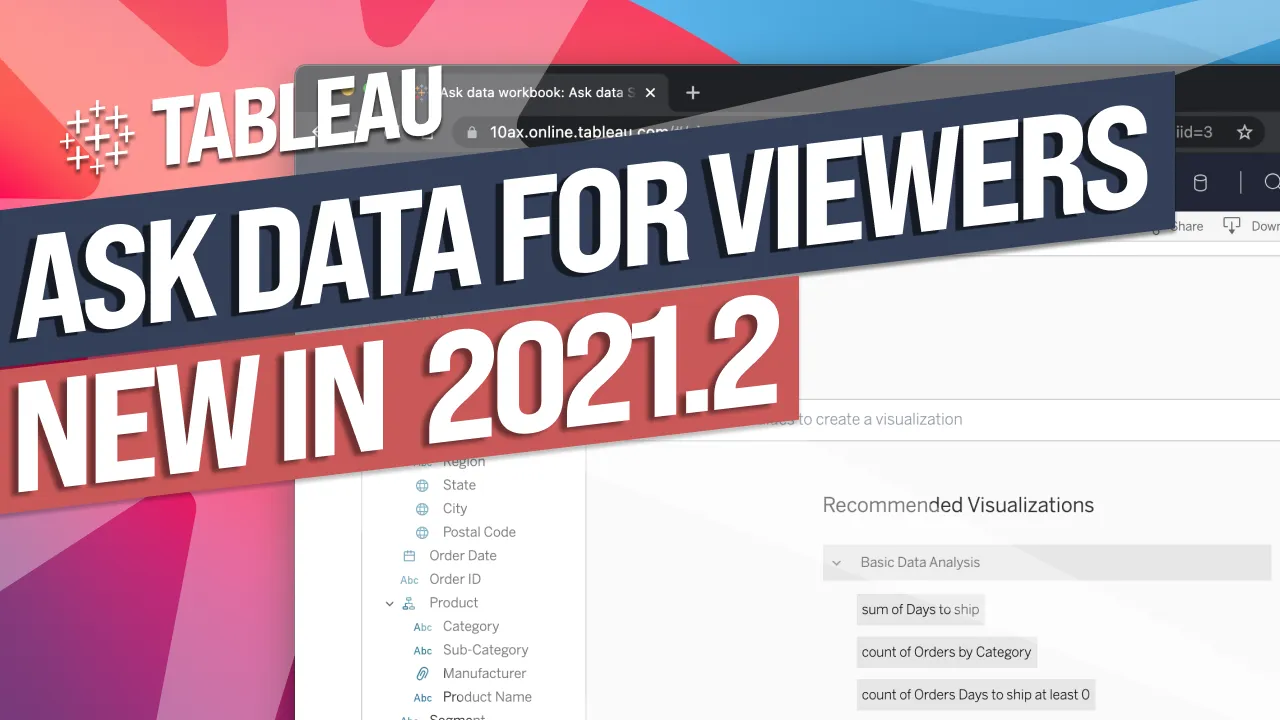
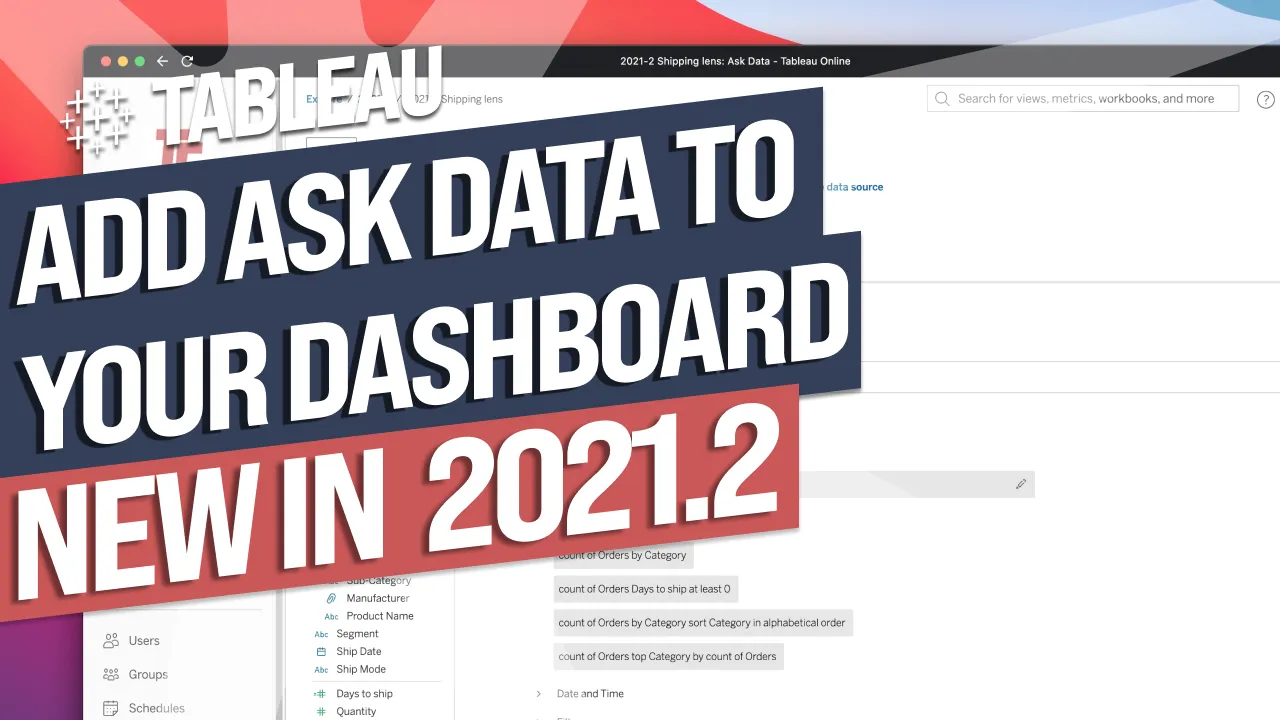
By default, suggestions read like query syntax (e.g. 'sum of discount') rather than how someone would naturally phrase a question.
- Edit the underlying query if needed 1:01
You can change which field or calculation the suggestion actually maps to, not just its wording — so a suggestion can be redirected to a more useful metric entirely.
- Rewrite the display text into plain language 1:23
Separately from the query, you can change the text shown to users, turning something like 'sum of sales' into a natural phrase such as 'what are the total sales'.
- Clicking still runs the original query 1:41
The edited, natural-language suggestion is just a label — clicking it builds the view from the original underlying query, so it acts as a bridge between plain wording and the database logic behind it.
Reach for this when your Ask Data users don't think in database terms, or when a multicultural or multi-team organisation uses different everyday language for the same underlying metrics and you want the suggestions to match how people actually talk.
How this Rollup was made provenance & method
A Rollup is drafted by AI from the video's transcript, then reviewed and edited by Tim. Everything used to produce this one is listed below (the model, the exact prompt, and the source video), so the process is transparent and reproducible.
- Transcription
- On-device: NVIDIA Parakeet v3 for recent videos, OpenAI Whisper large-v3 for earlier ones. The transcript never leaves the machine or gets published.
- Drafting
- Claude Sonnet 5 in the cloud, from that transcript.
- Prompt
- The exact Rollup prompt (v2) , the full system prompt, unedited.
- Mode
- Walkthrough: a timestamped breakdown in video order, for a demo or how-to. Written before modes existed, when every Rollup was a walkthrough.
- Source video
- Watch on YouTube
- Drafted
- 5 July 2026 at 09:38
- Reviewed & edited
- 5 July 2026 at 09:41 · by Tim Ngwena
Model + prompt + video is everything you'd need to recreate a Rollup like this yourself. The one thing we don't share is the transcript.
Rights. The video and its transcript are the property of TN Media Ltd. Unauthorised use or download is prohibited. © TN Media Ltd.