Tableau | Data visualisation
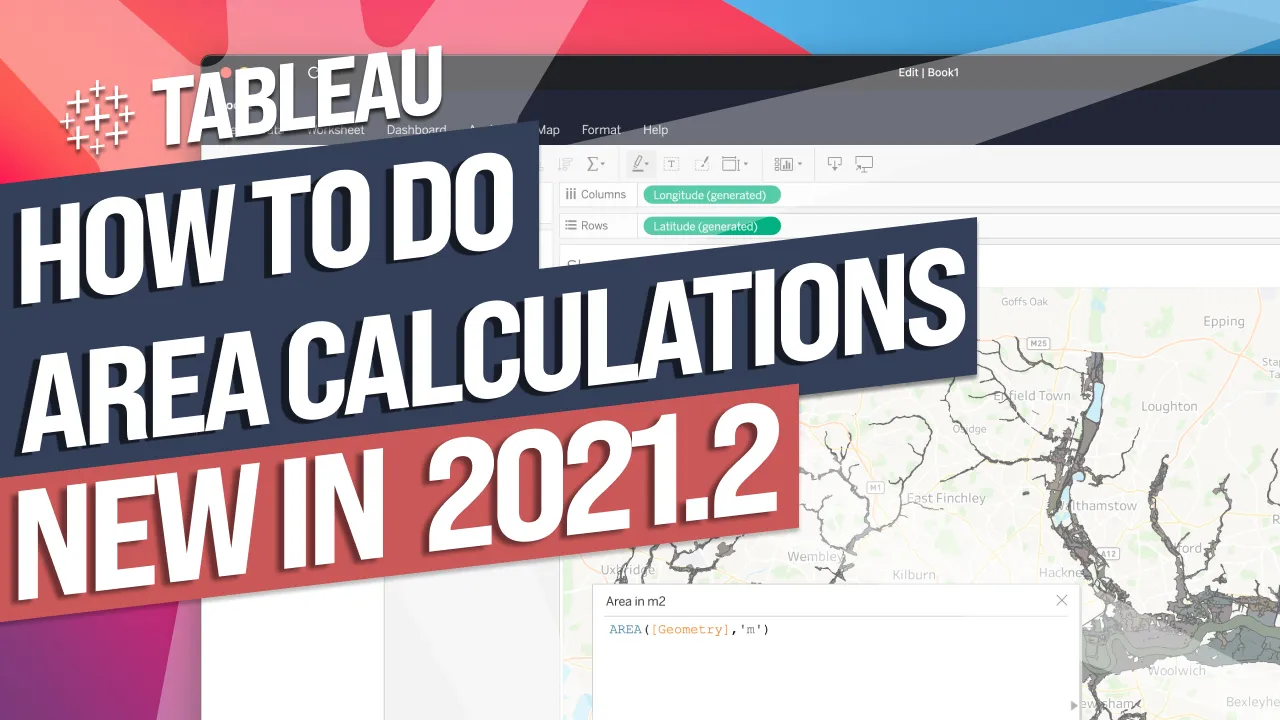
 Animations on by default :New in Tableau 2021.2
If animations have started showing up in your dashboards in 2021.2 and you're wondering why, it's because they're now on by default.
- Animations were introduced in Tableau 2020.1 and are now on by default from 2021.2 onwards
- You'll find the animation control under Format > Animations, where the default option is set to On
- The default animation duration is 0.7 seconds, which Tableau has chosen as a sensible balance
- If you don't want animations appearing in your dashboards, you can simply switch them off as the author
In Tableau 2021.2, dashboard animations are switched on by default, so you may notice transitions appearing in your workbooks even though you never turned them on. Knowing where the setting lives means you can control it rather than be surprised by it.
Animations were introduced in Tableau 2020.1 as an opt-in feature for showing transitions between data states. From 2021.2, that behaviour changes.
- Animations were opt-in from 2020.1 0:00
Tableau introduced animations in 2020.1, letting authors show transitions from one data point or state to another as a storytelling tool.
- They're now on by default in 2021.2 0:21
From this version onwards, any dashboard interaction that changes a view — like selecting or deselecting a mark — will animate automatically unless an author has switched it off.
- Where to find the setting 0:54
Go to Format > Animations to see the control; the default option is set to On, which explains why you might suddenly see movement in dashboards you didn't explicitly animate.
- The default duration is 0.7 seconds 1:00
Tableau has chosen 0.7 seconds as a sensible balance — quick enough not to feel slow, but not so fast it looks like stuttering. You can adjust this if you want crisper transitions, but the default works well as-is.
- Switch it off if you don't want it 1:22
If animations start appearing unexpectedly in your dashboards, it's simply because the default changed — go to the same Format > Animations setting and turn it off as the author.
- This is a behaviour change, not a new feature — existing and new dashboards will animate by default unless you turn it off.
Check this setting if animations suddenly appear in your dashboards after upgrading, or if you want to deliberately control transition duration for a more polished, story-driven dashboard.
How this Rollup was made provenance & method
A Rollup is drafted by AI from the video's transcript, then reviewed and edited by Tim. Everything used to produce this one is listed below (the model, the exact prompt, and the source video), so the process is transparent and reproducible.
- Transcription
- On-device: NVIDIA Parakeet v3 for recent videos, OpenAI Whisper large-v3 for earlier ones. The transcript never leaves the machine or gets published.
- Drafting
- Claude Sonnet 5 in the cloud, from that transcript.
- Prompt
- The exact Rollup prompt (v2) , the full system prompt, unedited.
- Mode
- Walkthrough: a timestamped breakdown in video order, for a demo or how-to. Written before modes existed, when every Rollup was a walkthrough.
- Source video
- Watch on YouTube
- Drafted
- 5 July 2026 at 09:38
- Reviewed & edited
- 5 July 2026 at 09:41 · by Tim Ngwena
Model + prompt + video is everything you'd need to recreate a Rollup like this yourself. The one thing we don't share is the transcript.
Rights. The video and its transcript are the property of TN Media Ltd. Unauthorised use or download is prohibited. © TN Media Ltd.